
How to Edit an Exam
Learn how to edit the details of an exam on the UniRadio platform.
Step by Step
1. Access the Exams page
Navigate to app.uniradio.vet.br/exams
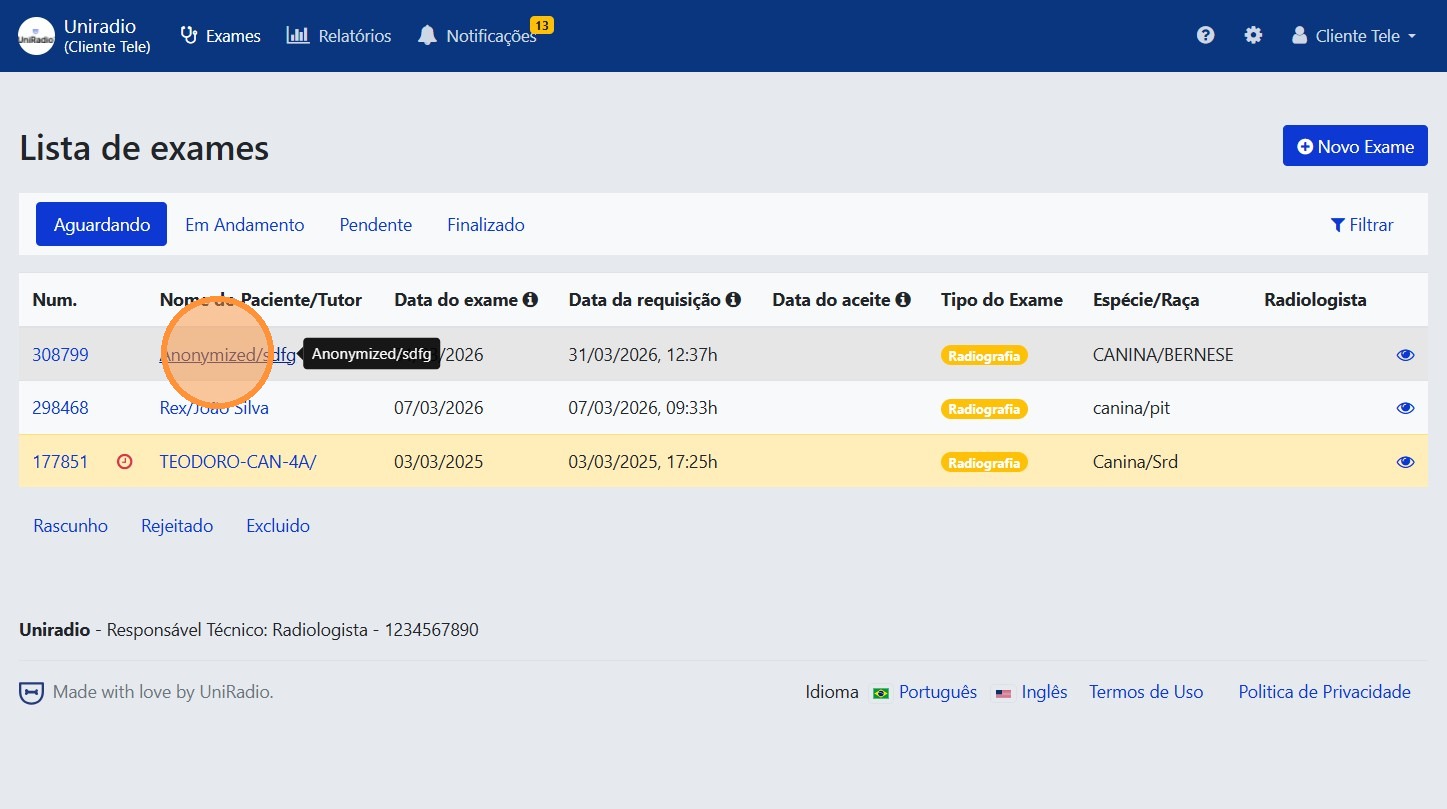
2. Select the exam
Click on the exam you want to edit in the list.
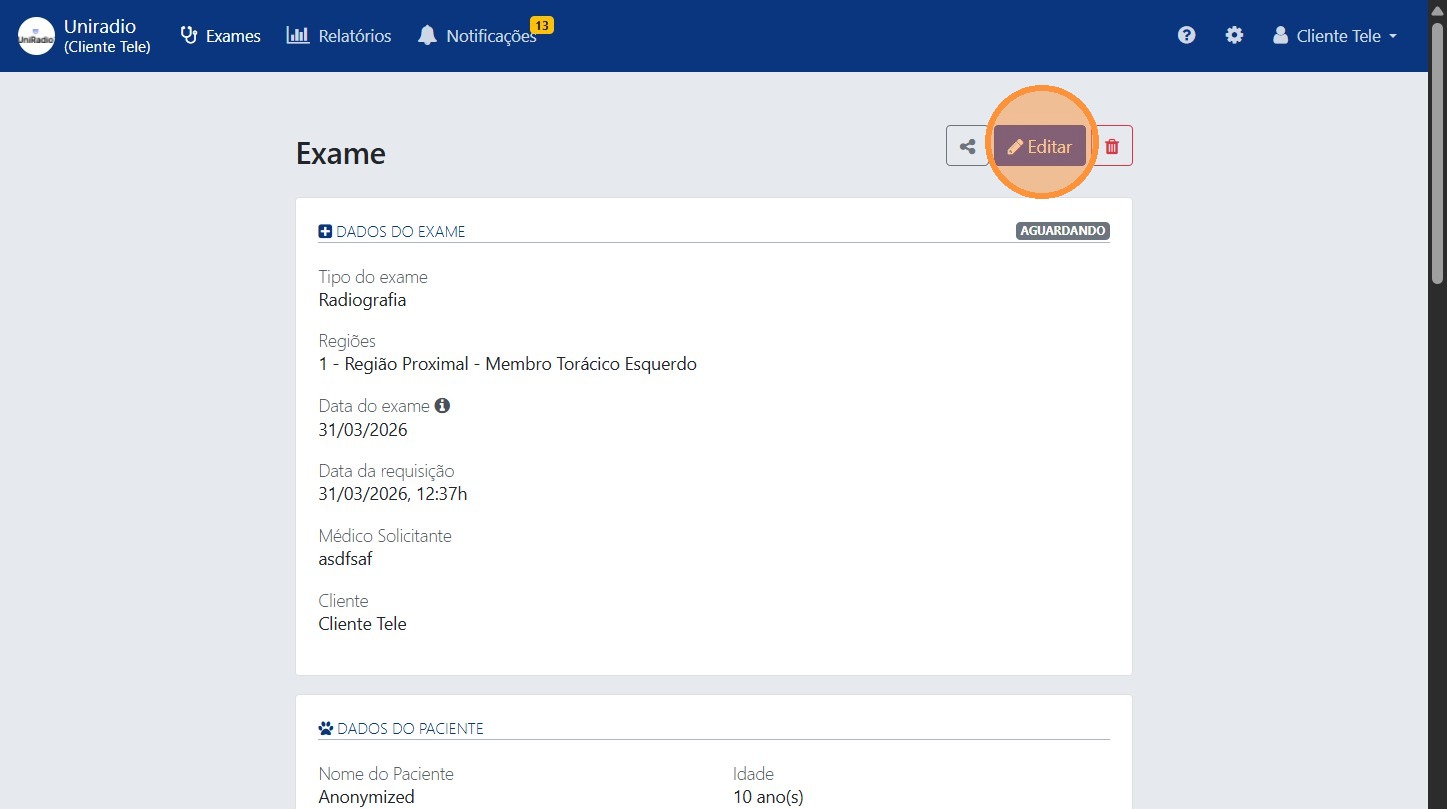
3. Click "Edit"
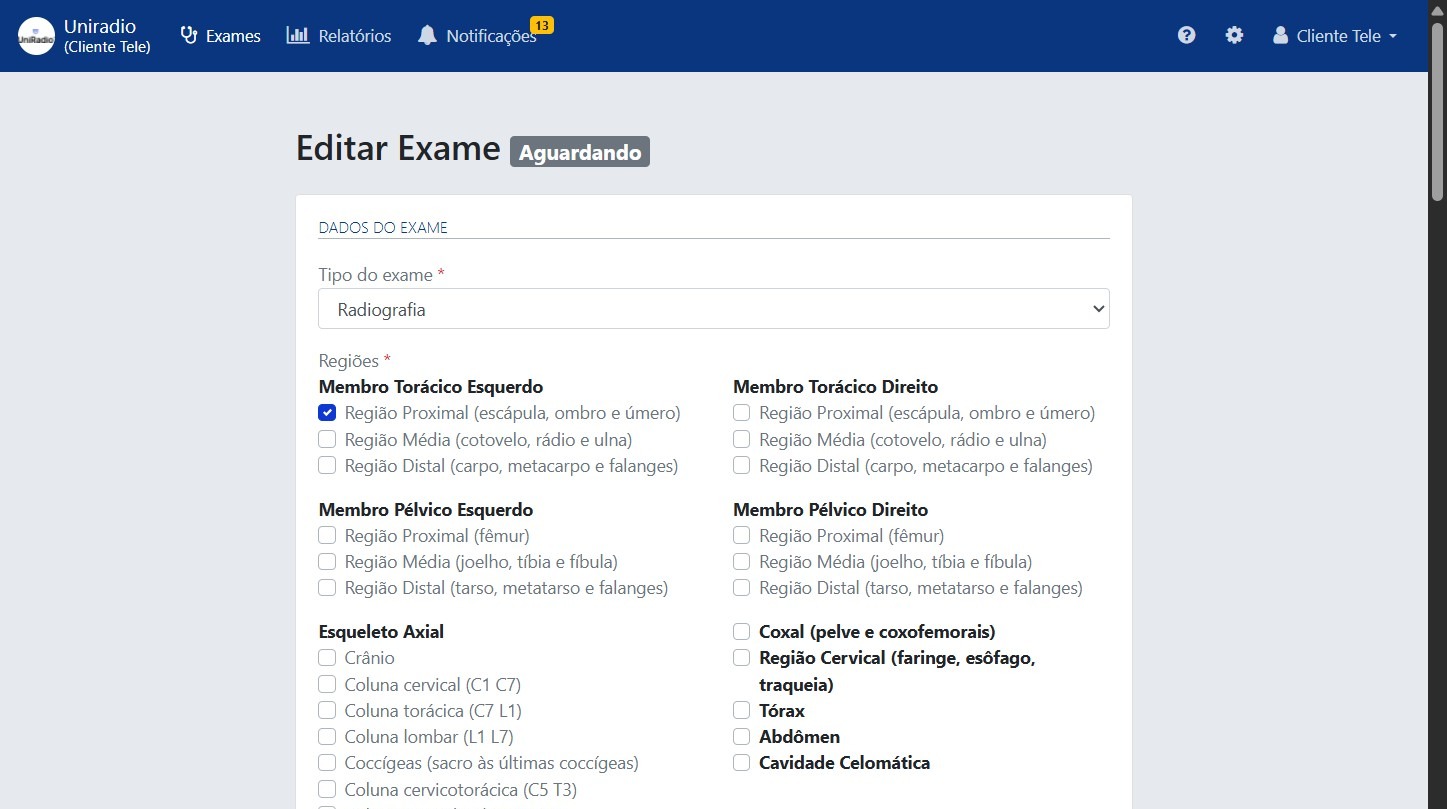
4. Edit the desired information
Change the necessary fields in the form.
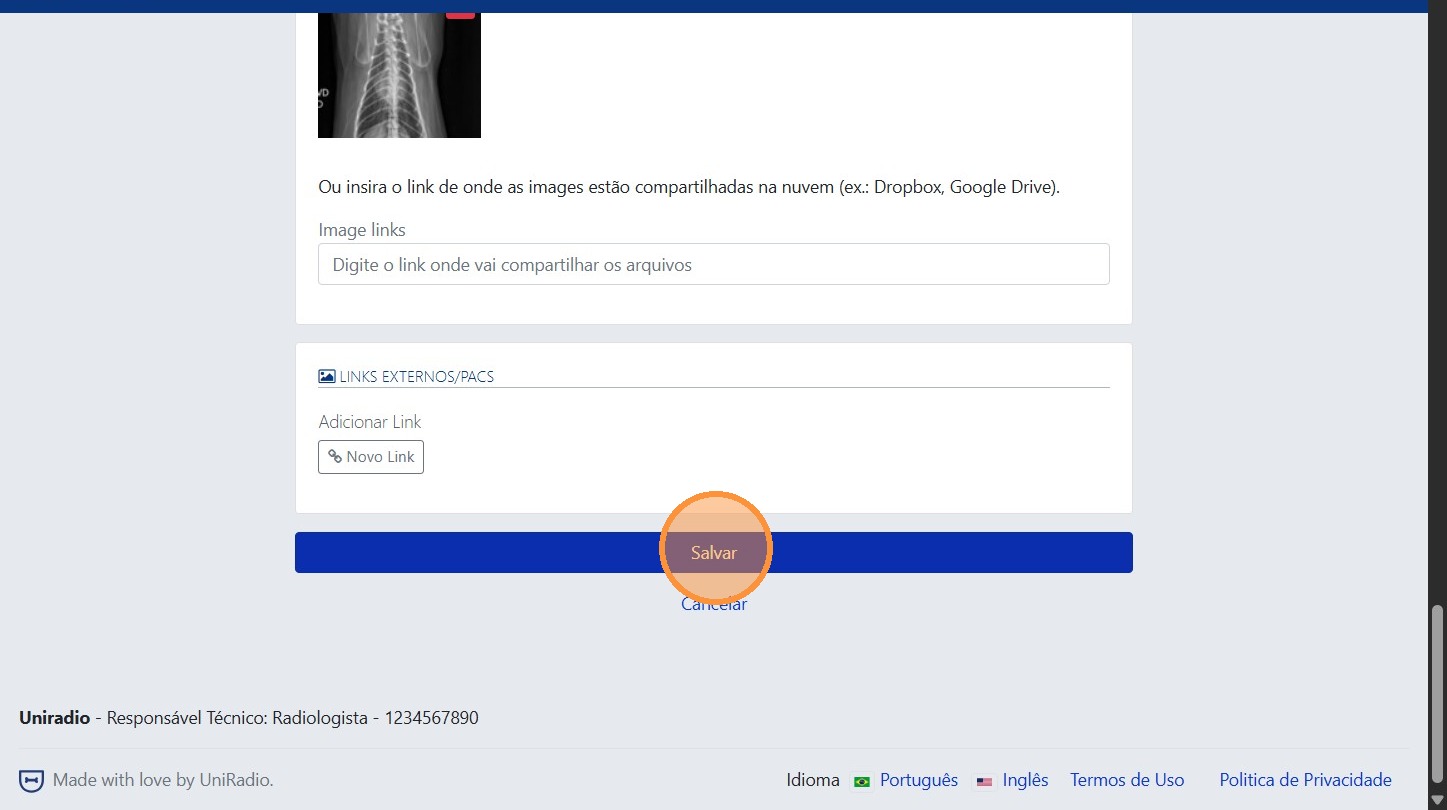
5. Click "Save" to save the changes
Field Descriptions
To understand the meaning of each field in this form, see Exam Creation Fields.
Need Help?
Check our FAQ or contact your radiologist if you encounter any issues.