
How to Disable Two-Factor Authentication
Learn how to disable two-factor authentication (2FA) on your account on the UniRadio platform.
Note on re-enabling
After disabling a two-factor authentication method (either Email or WhatsApp), you will need to validate the method again — that is, send and confirm the code — in order to re-enable it in the future.
Step by Step
1. Access the UniRadio platform
Navigate to app.uniradio.vet.br/exams
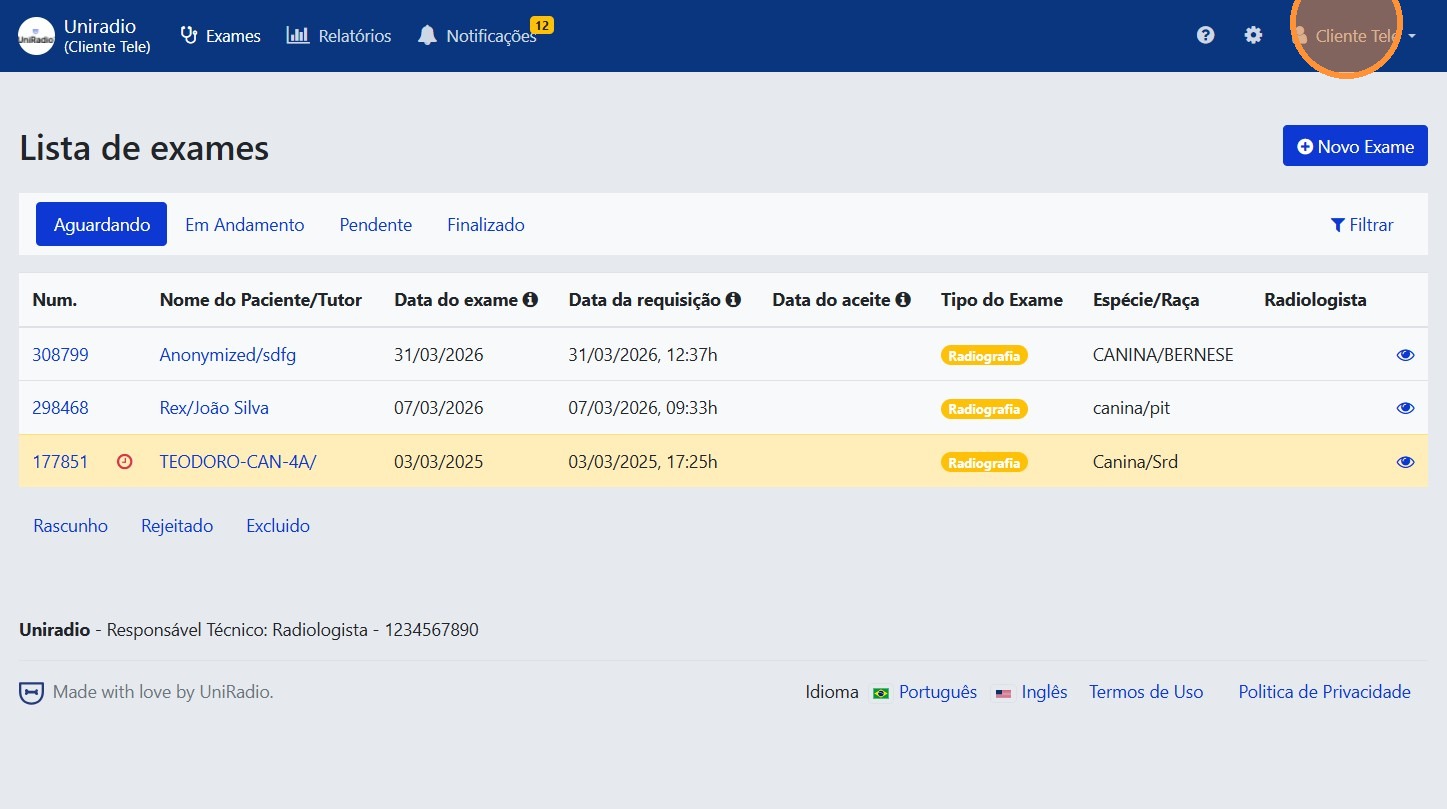
2. Open the user menu
Click on your name or avatar at the top to open the user menu.
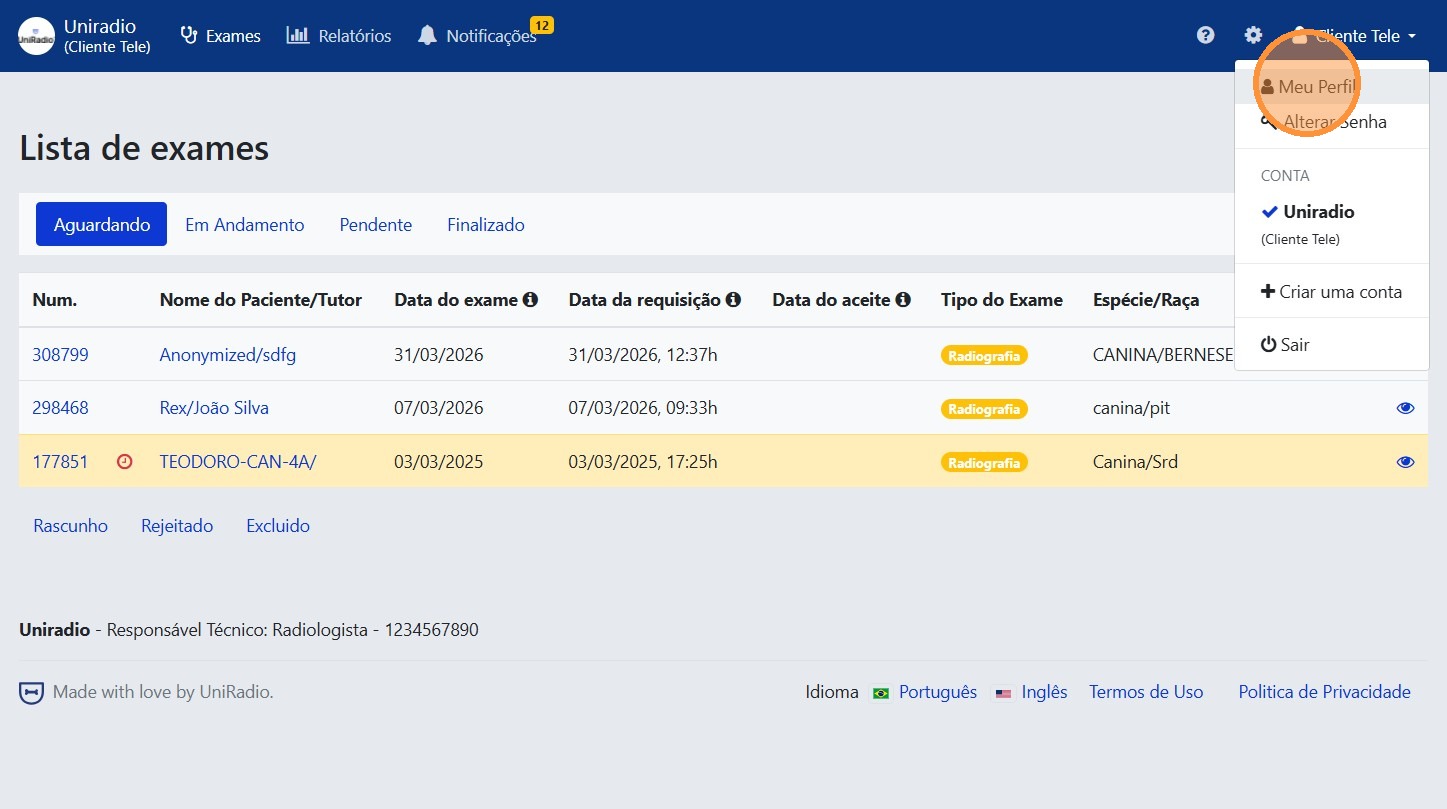
3. Click "My Profile"
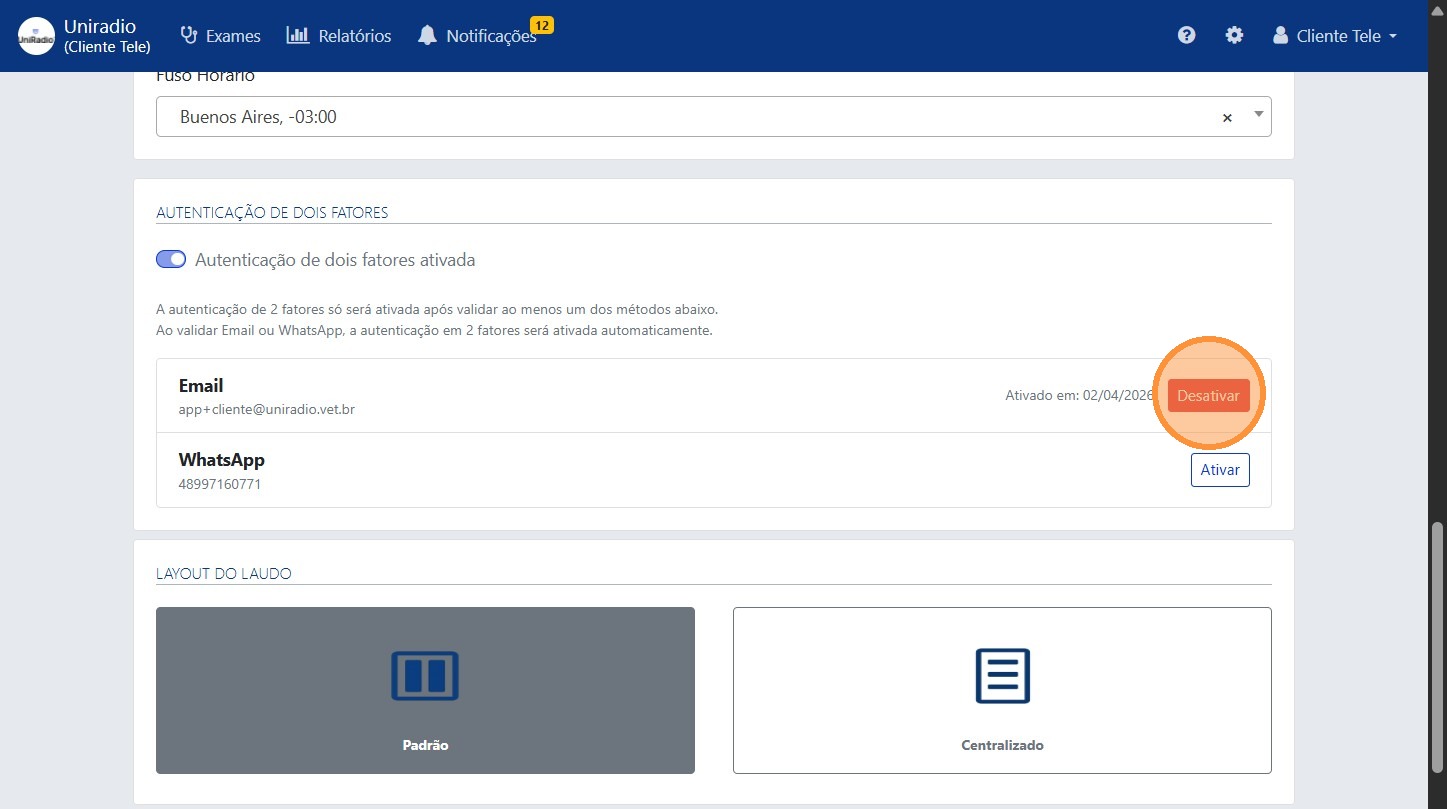
4. Click "Disable"
Find the two-factor authentication option and click "Disable".
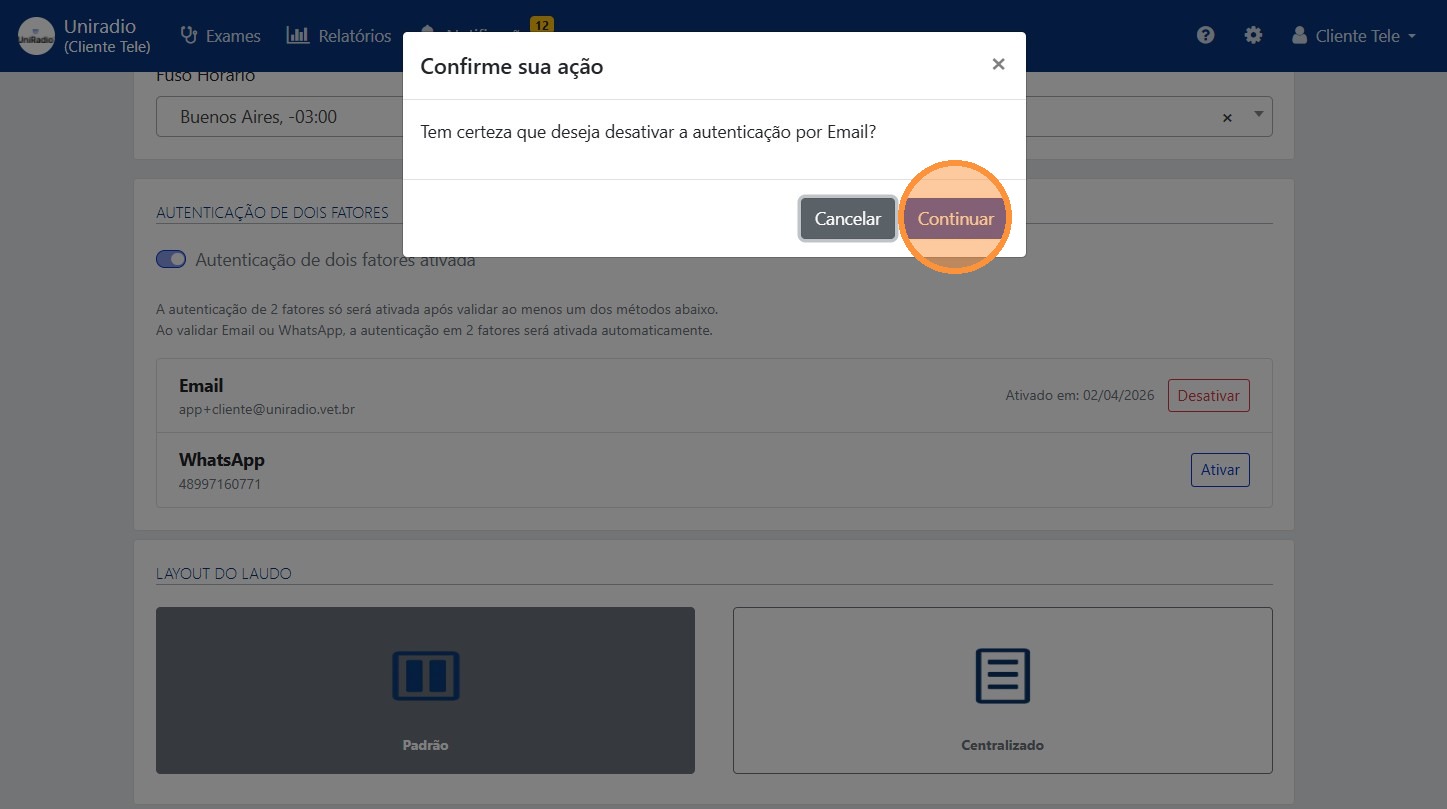
5. Click "Continue" to confirm the deactivation
Need Help?
Check our FAQ or contact your radiologist if you encounter any issues.