
How to Submit a New Exam via PACS Server
Learn how to submit a new exam to the UniRadio platform using the PACS server integration. This guide walks you through from accessing the platform to completing the submission.
Configure your equipment to send to the PACS
Before creating the exam, your imaging equipment must be configured to send images to the UniRadio PACS server. Select your software below:
| Software | Tutorial |
|---|---|
| Carestream | How to configure Carestream |
| Dr.Tech | How to configure Dr.Tech |
| Ultramedic | How to configure Ultramedic |
| VXVue | How to configure VXVue |
| Voyance | How to configure Voyance |
Once you have sent the study from your equipment, follow the steps below to create the exam on the platform.
Step by Step
1. Access the Exams page
Navigate to app.uniradio.vet.br/exams
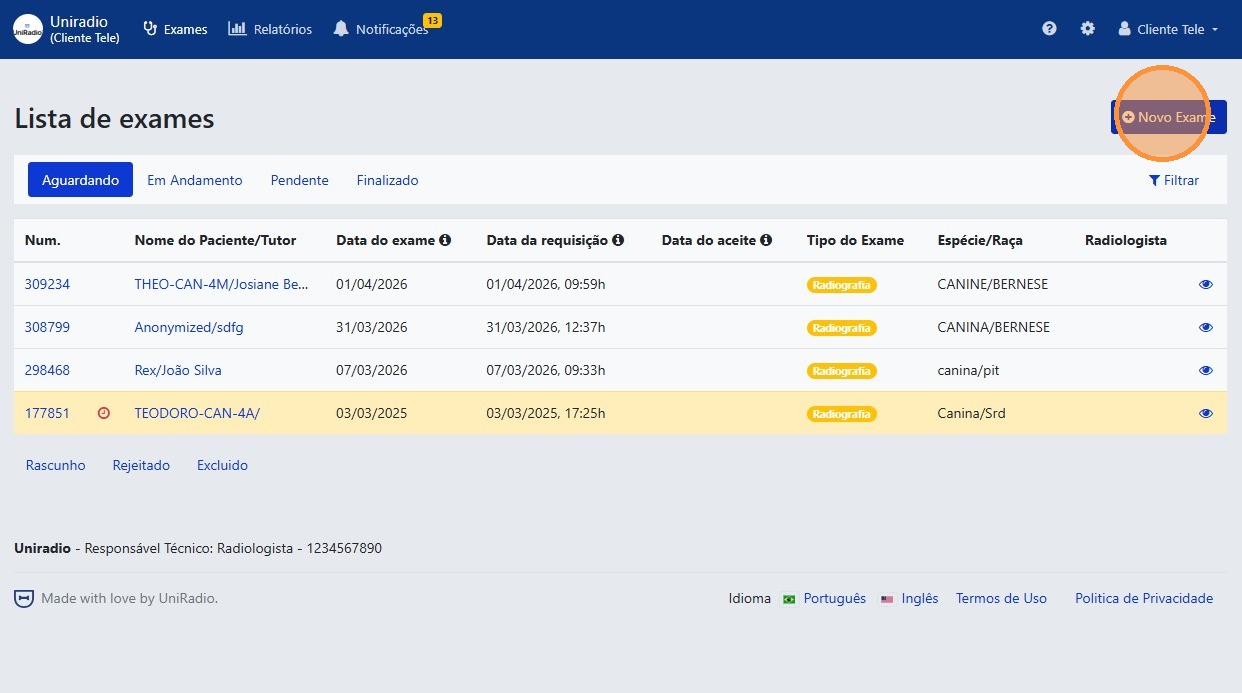
2. Click "New Exam"
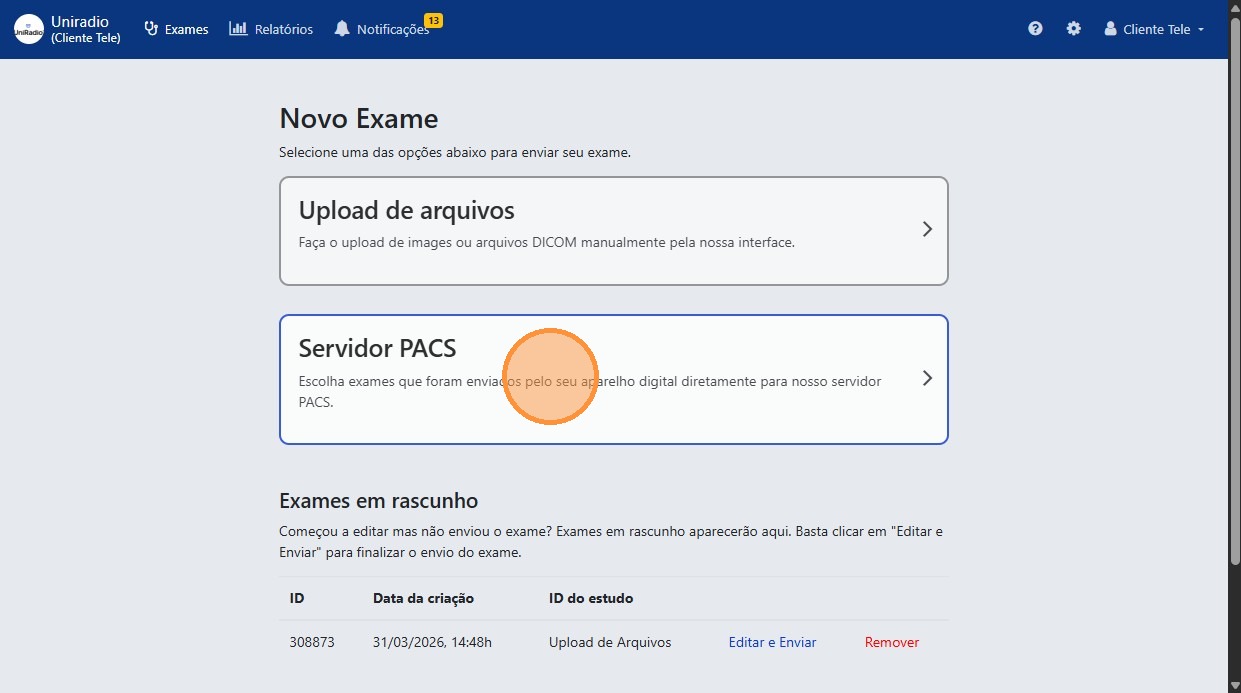
3. Select "PACS Server"
On the exam creation screen, choose the "PACS Server" option as the submission method.
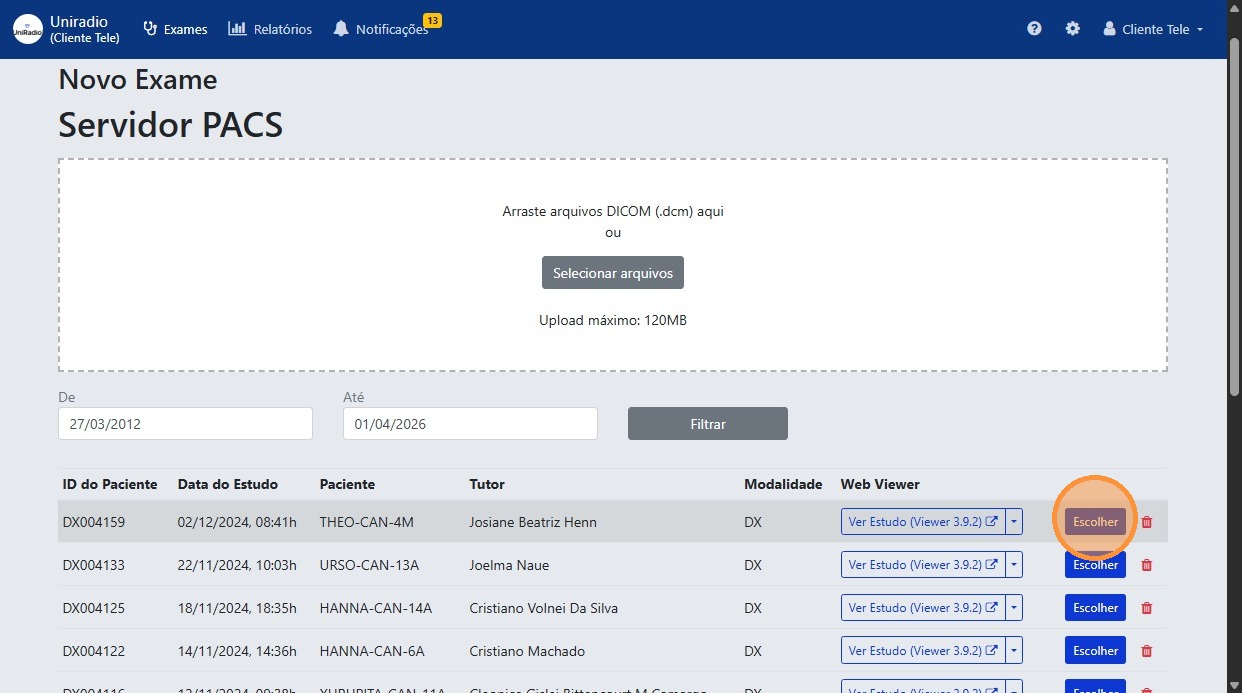
4. Click "Choose"
Select the exam available on the PACS server by clicking "Choose".
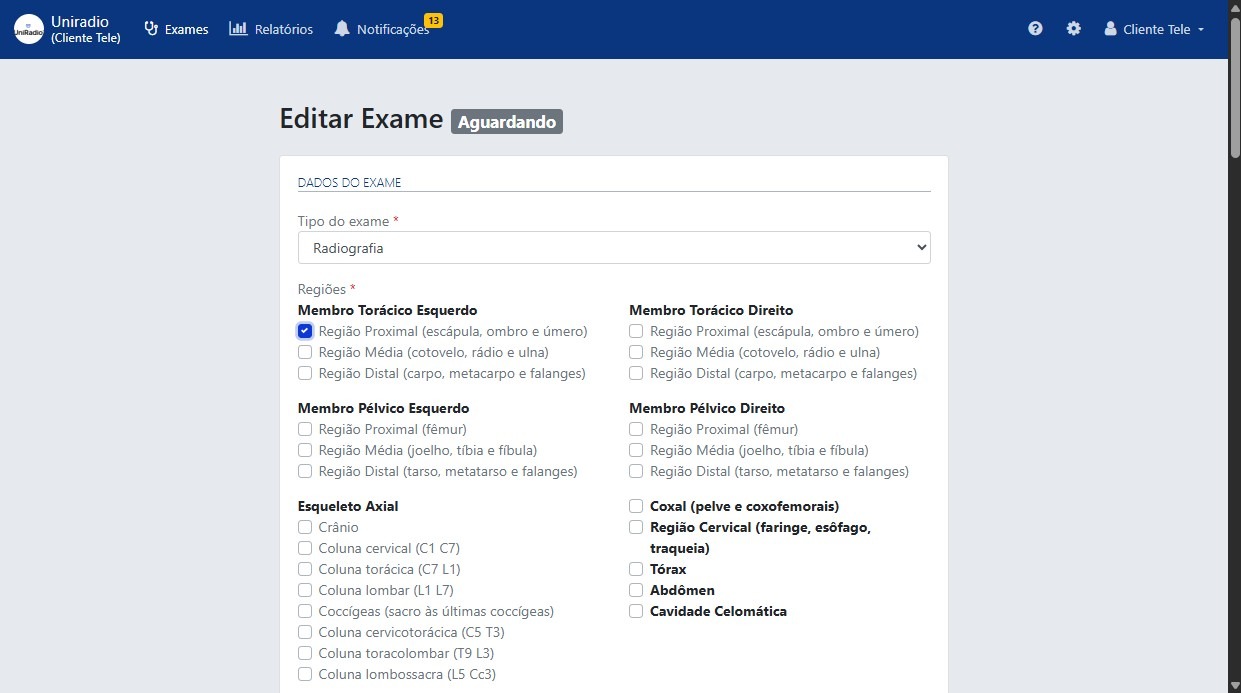
5. Fill in the form fields
Complete the required exam information, such as exam type, anatomical regions, patient data, and clinical history.
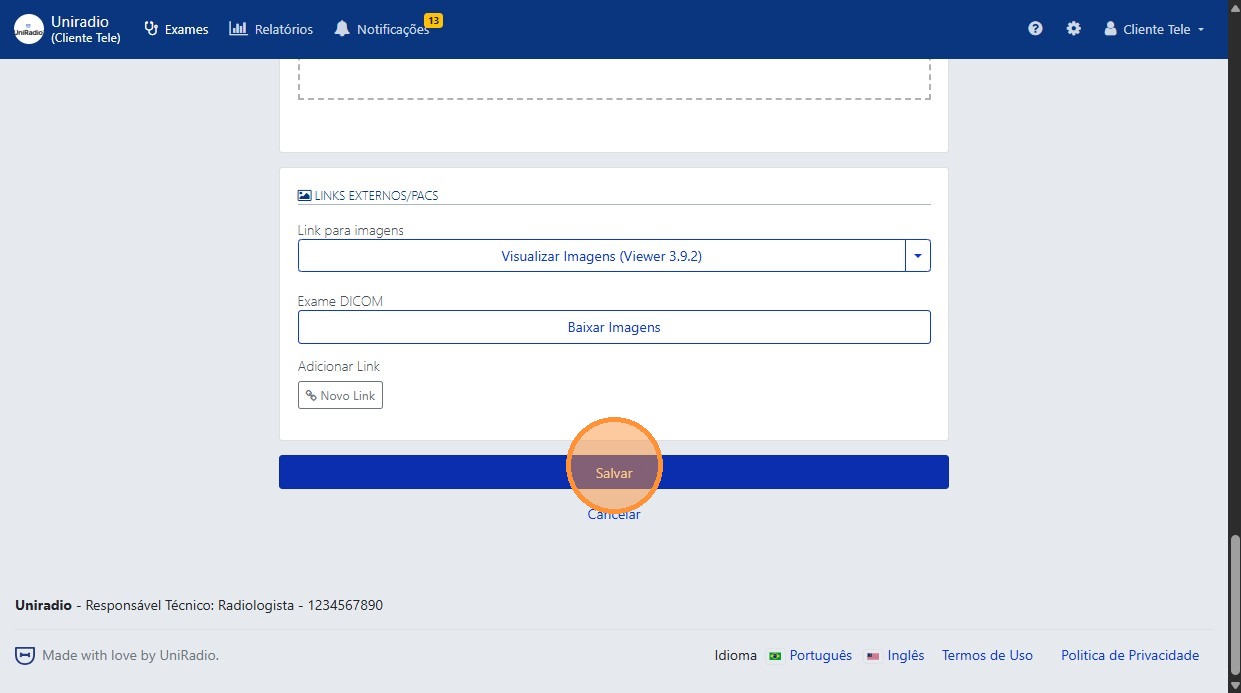
6. Click "Save" to submit the exam
Field Descriptions
To understand the meaning of each field in this form, see Exam Creation Fields.
Need Help?
Check our FAQ or contact your radiologist if you encounter any issues.