
How to Update a User's Notifications
Learn how to manage and customize the email notification preferences for a user linked to your account on the UniRadio platform.
Step by Step
1. Access the UniRadio platform
Navigate to app.uniradio.vet.br/exams
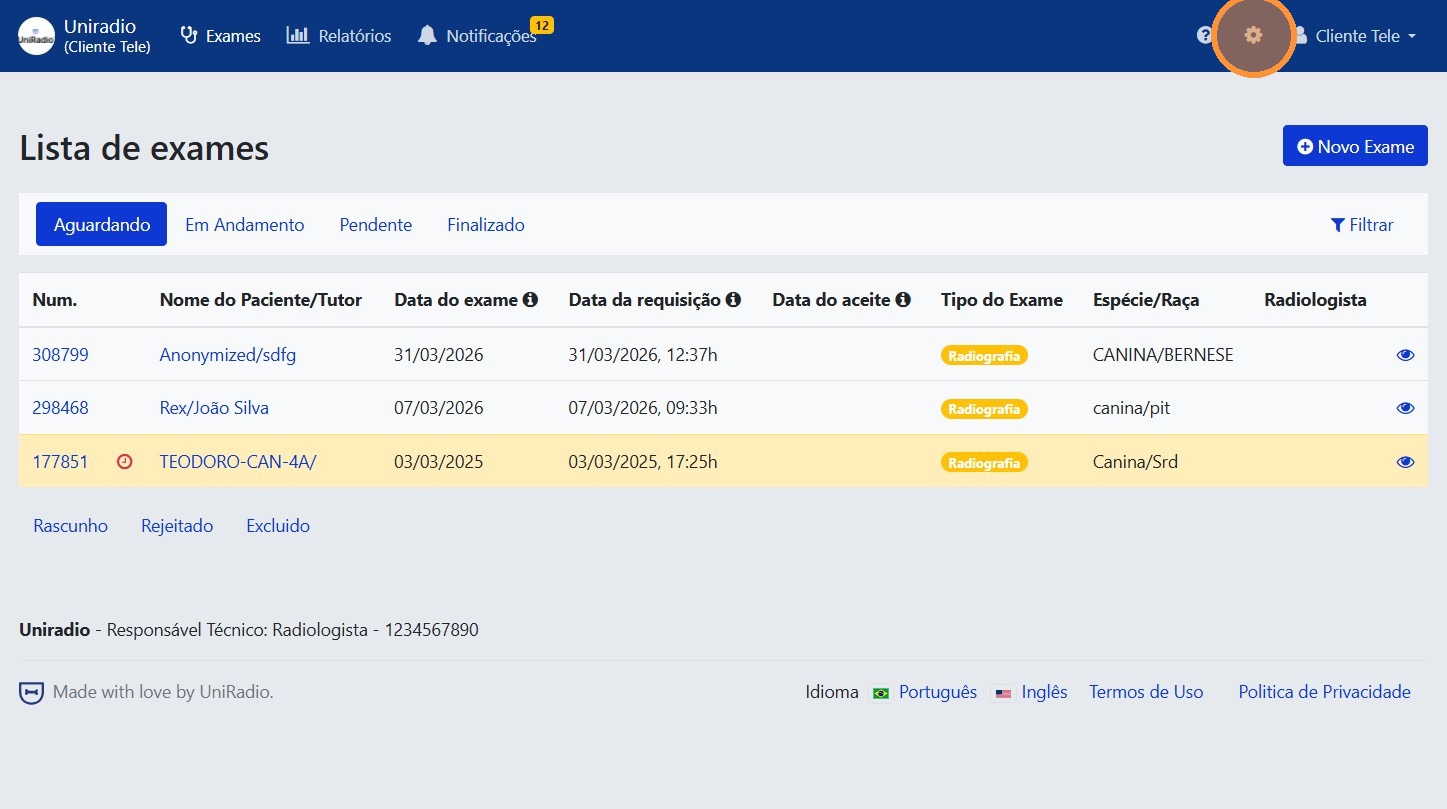
2. Access the account settings
Click the gear icon in the top-right corner to access the account settings.
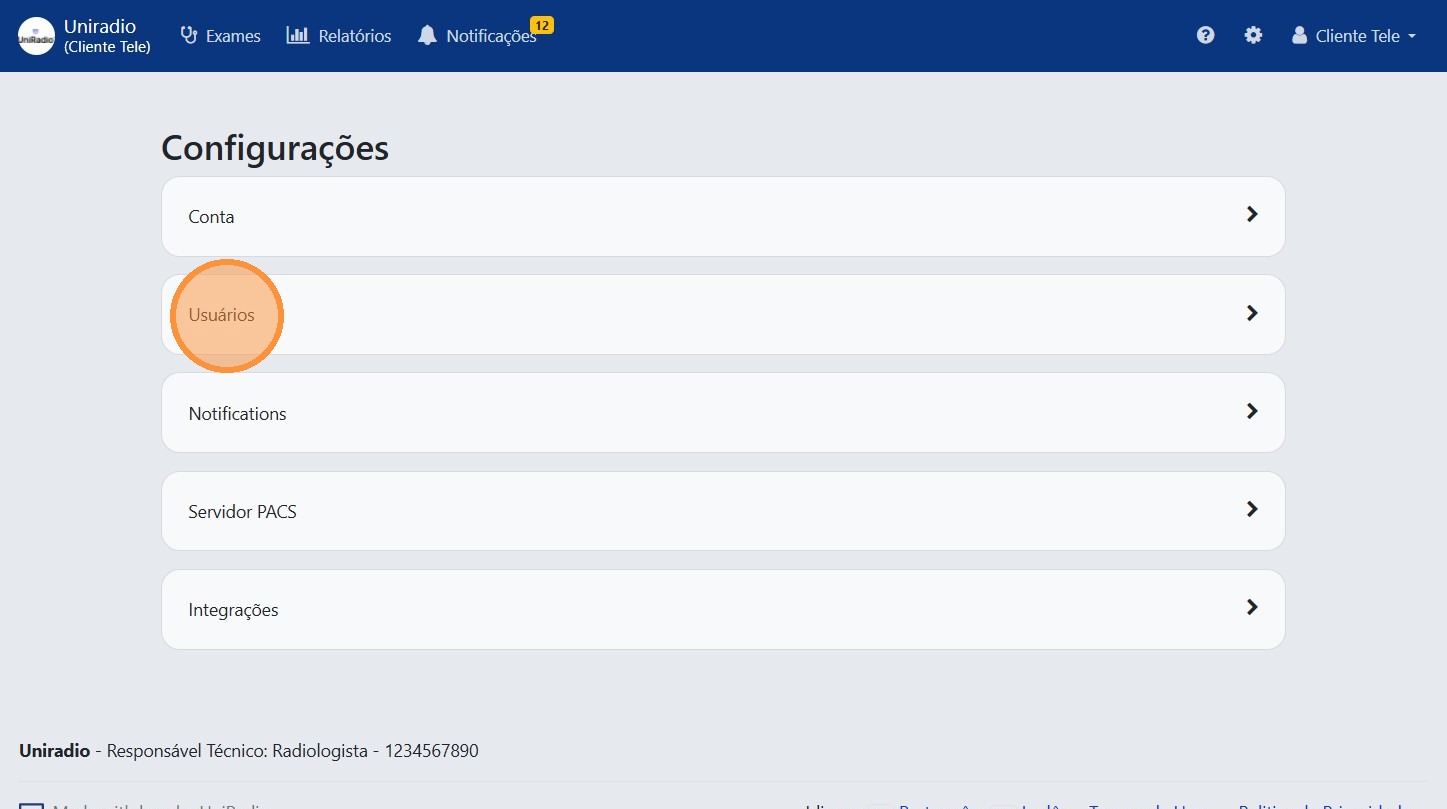
3. Click "Users"
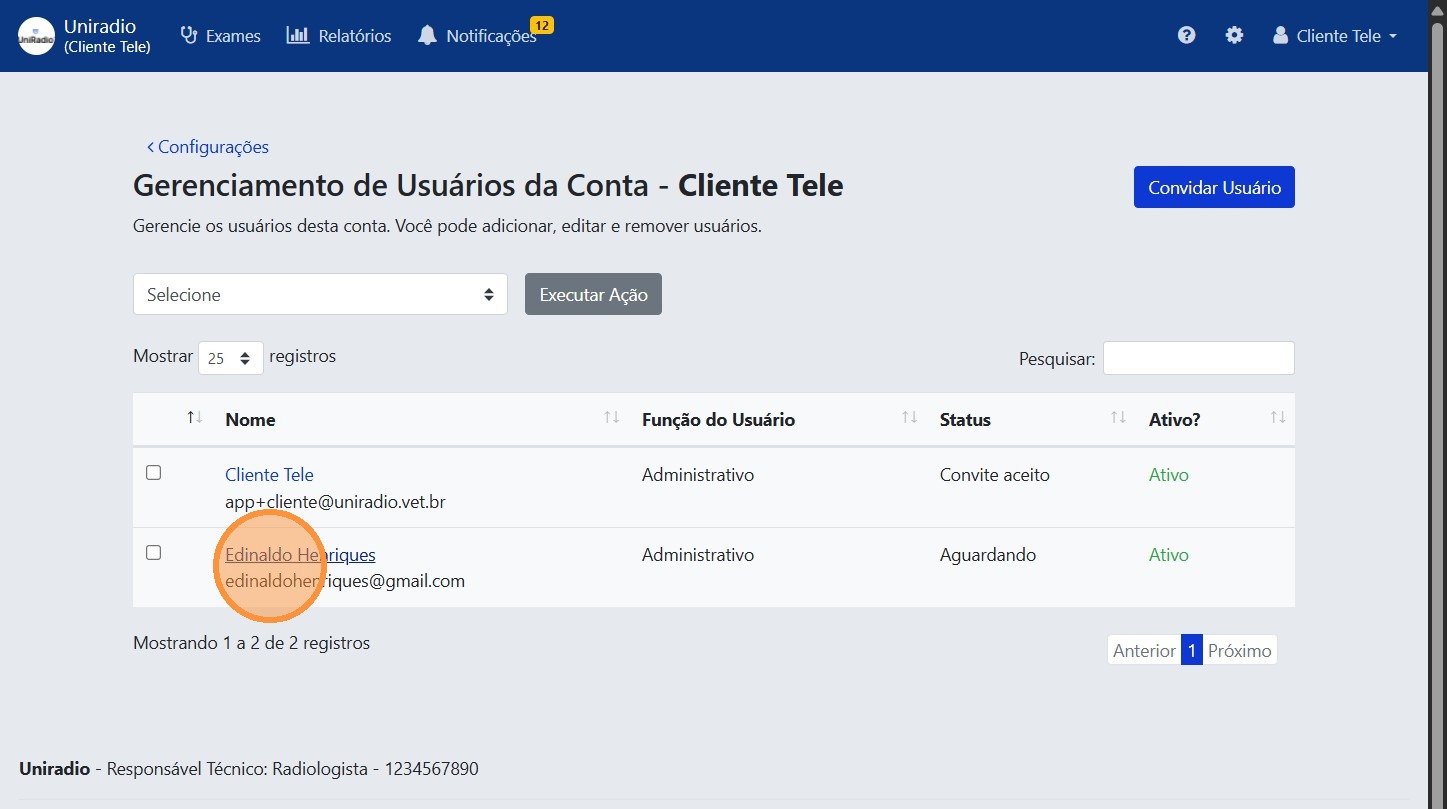
4. Select the user you want to edit
Click on the user in the list.
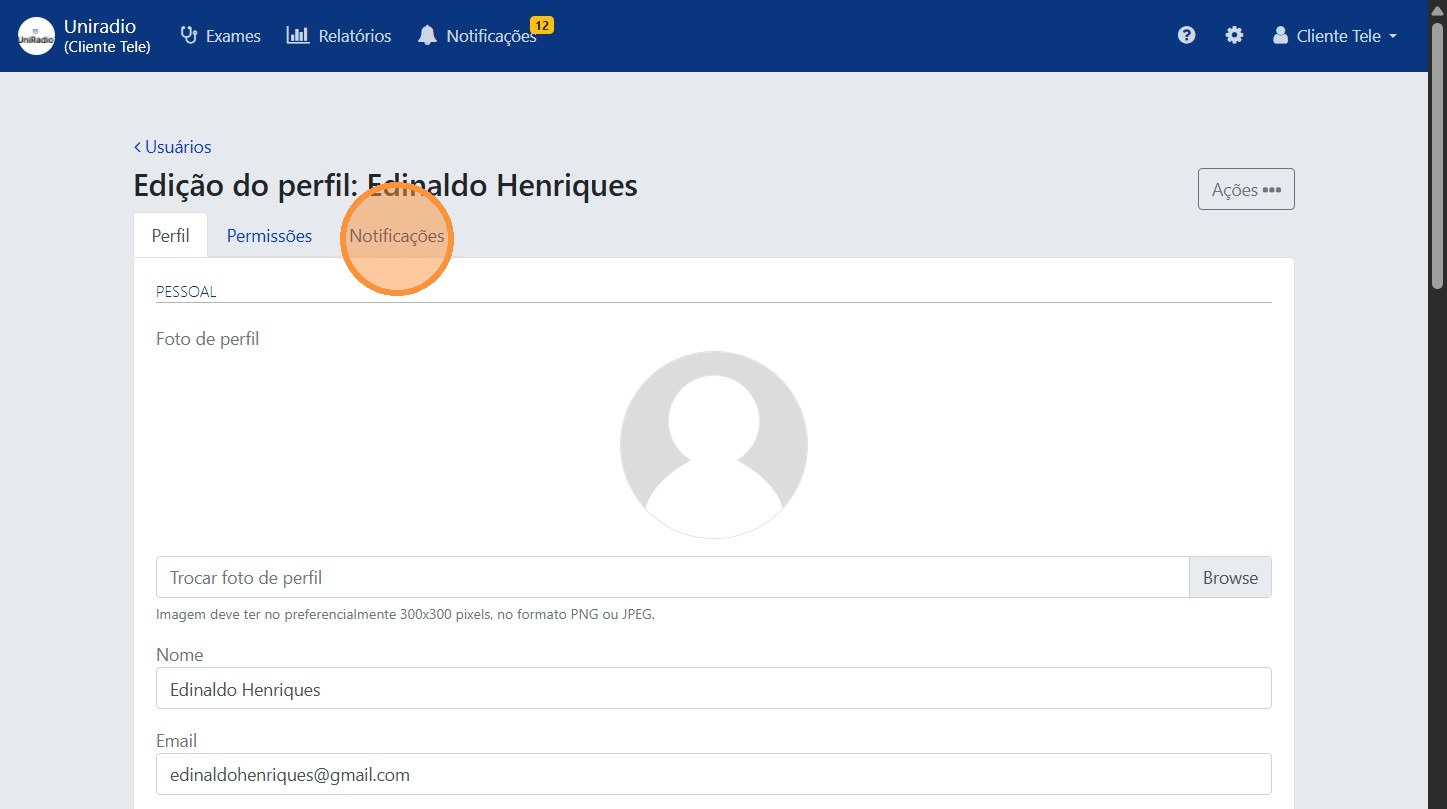
5. Click "Notifications"
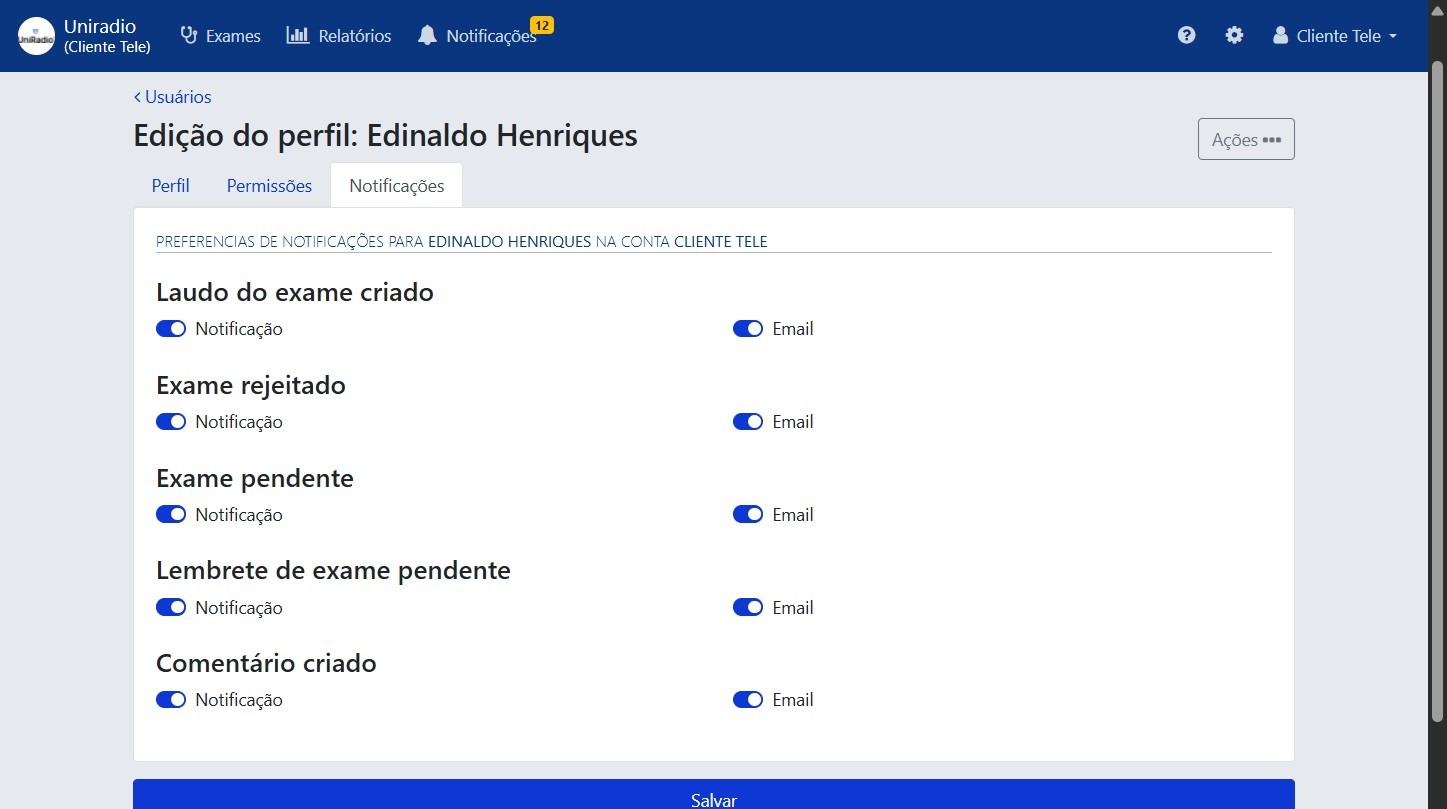
6. Select the notification preferences
Check or uncheck the notification options as desired, such as exam rejection alerts and other account activity.
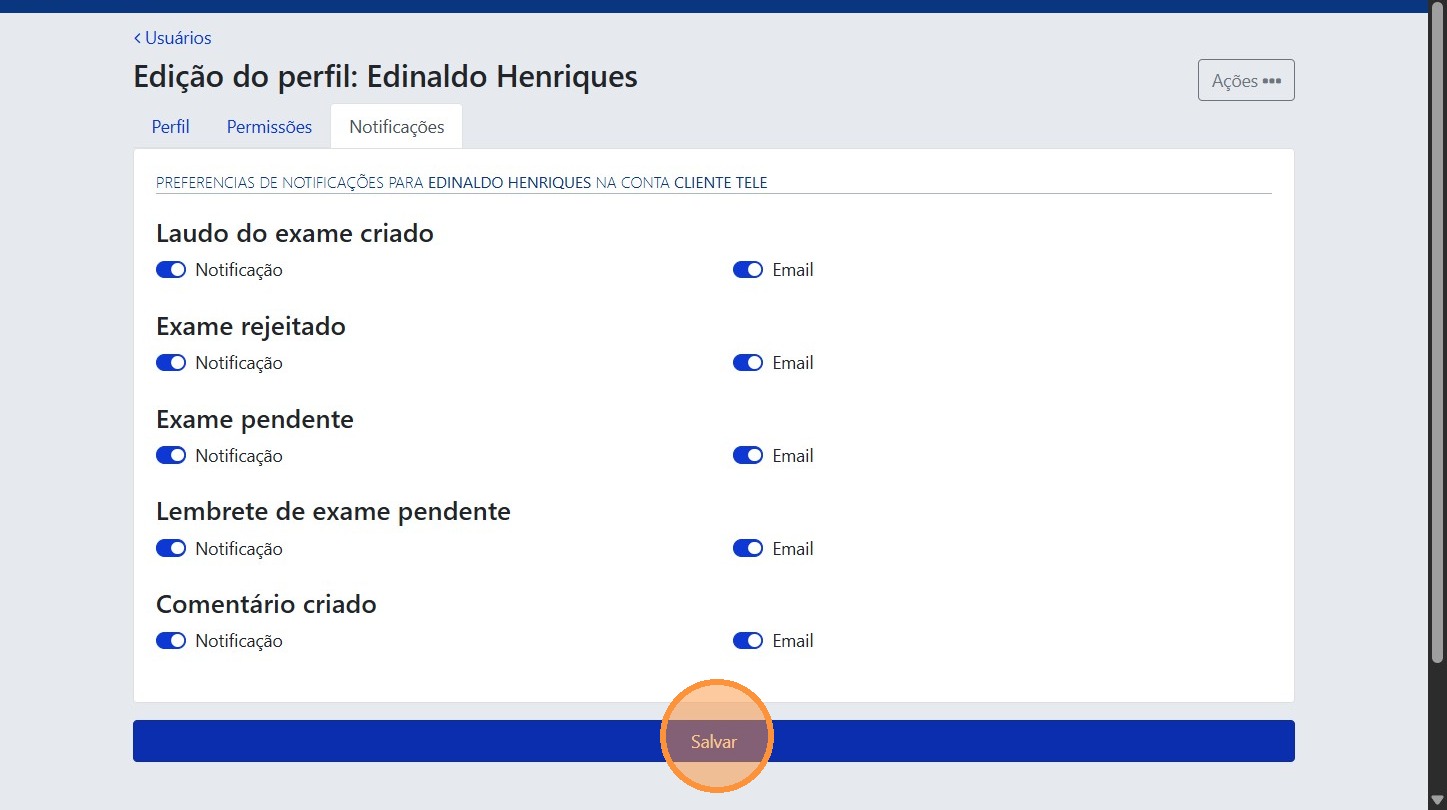
7. Click "Save"
Need Help?
Check our FAQ or contact your radiologist if you encounter any issues.