
How to Integrate with the UniRadio PACS Server
Learn how to access the PACS server settings on the UniRadio platform and obtain the information needed to integrate your imaging equipment.
Feature requires activation
This feature will only be available if your radiologist has enabled the PACS integration for your clinic. If you do not find the "PACS Server" option in the menu, contact your radiologist to request activation.
Step by Step
1. Access the UniRadio platform
Navigate to app.uniradio.vet.br/exams
2. Access the account settings
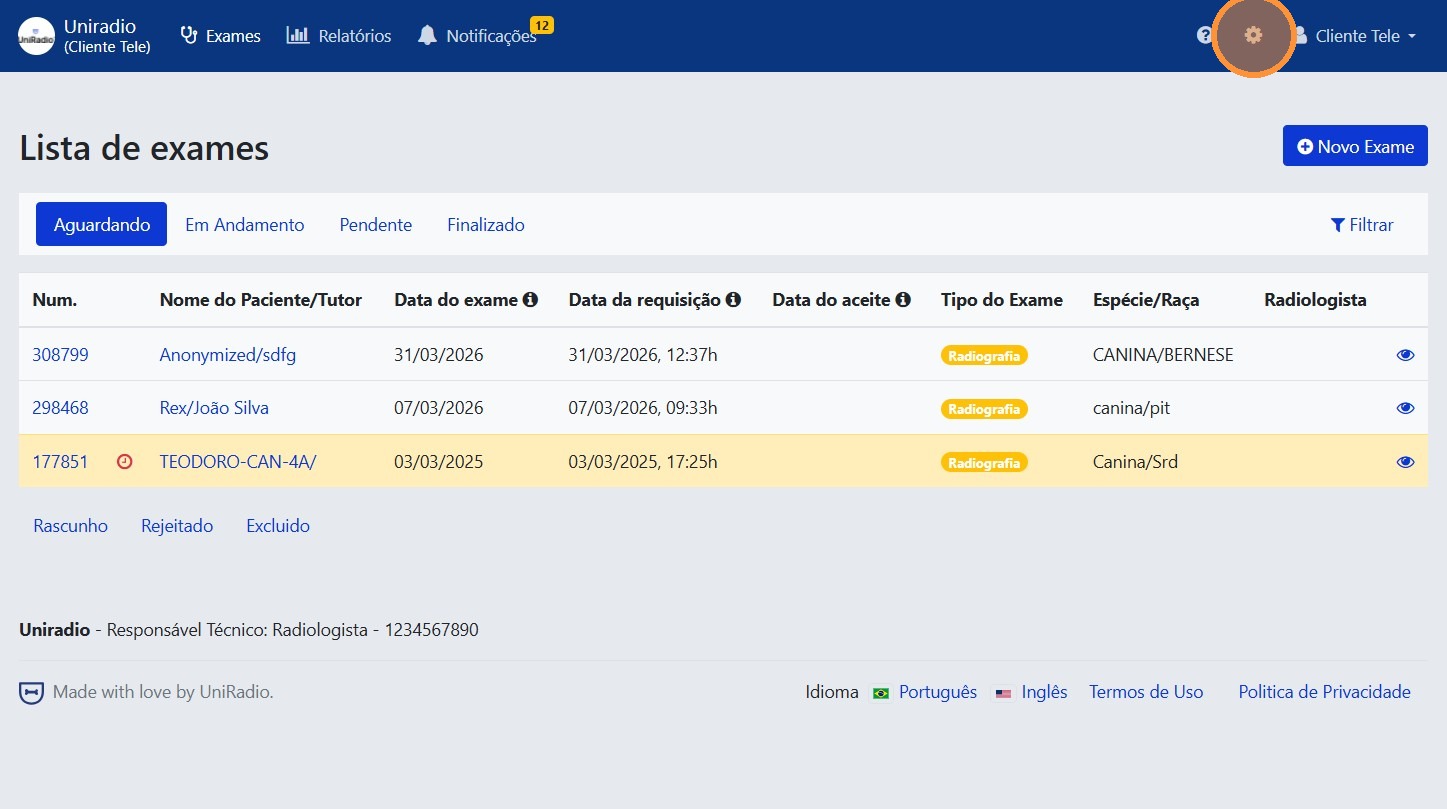
Click the gear icon in the top-right corner to access the account settings.
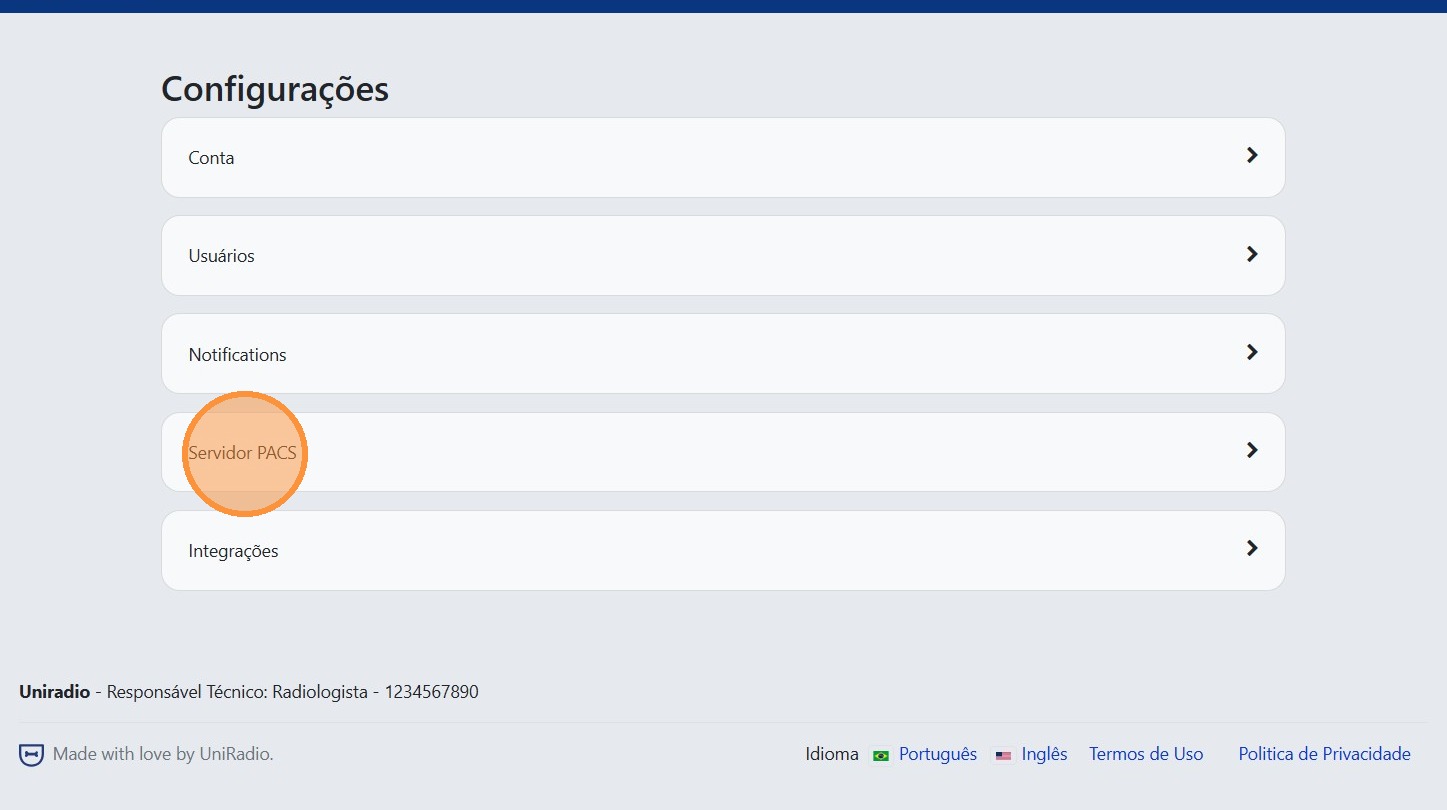
3. Click "PACS Server"
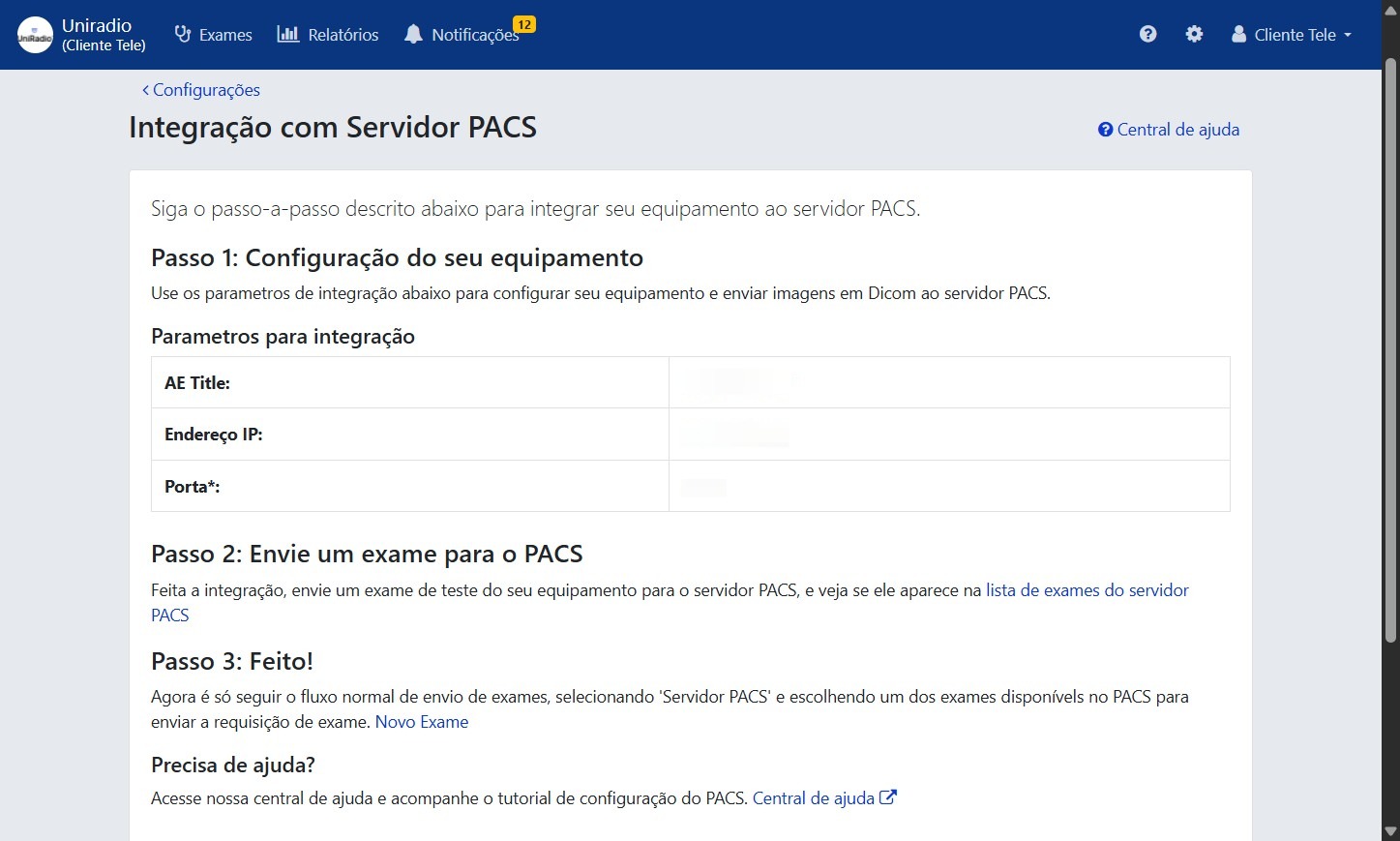
4. Copy the settings to your equipment
Use the displayed information (server address, port, and AE Title) to configure the integration on your imaging equipment or PACS software.
Which software do you use?
After obtaining the connection details, follow the tutorial for your imaging software to connect it to UniRadio:
Need Help?
Check our FAQ or contact your radiologist if you encounter any issues.