
How to Configure Account Notifications
Learn how to access and adjust the notification preferences for your account on the UniRadio platform.
Step by Step
1. Access the UniRadio platform
Sign in to your account and go to app.uniradio.vet.br/exams
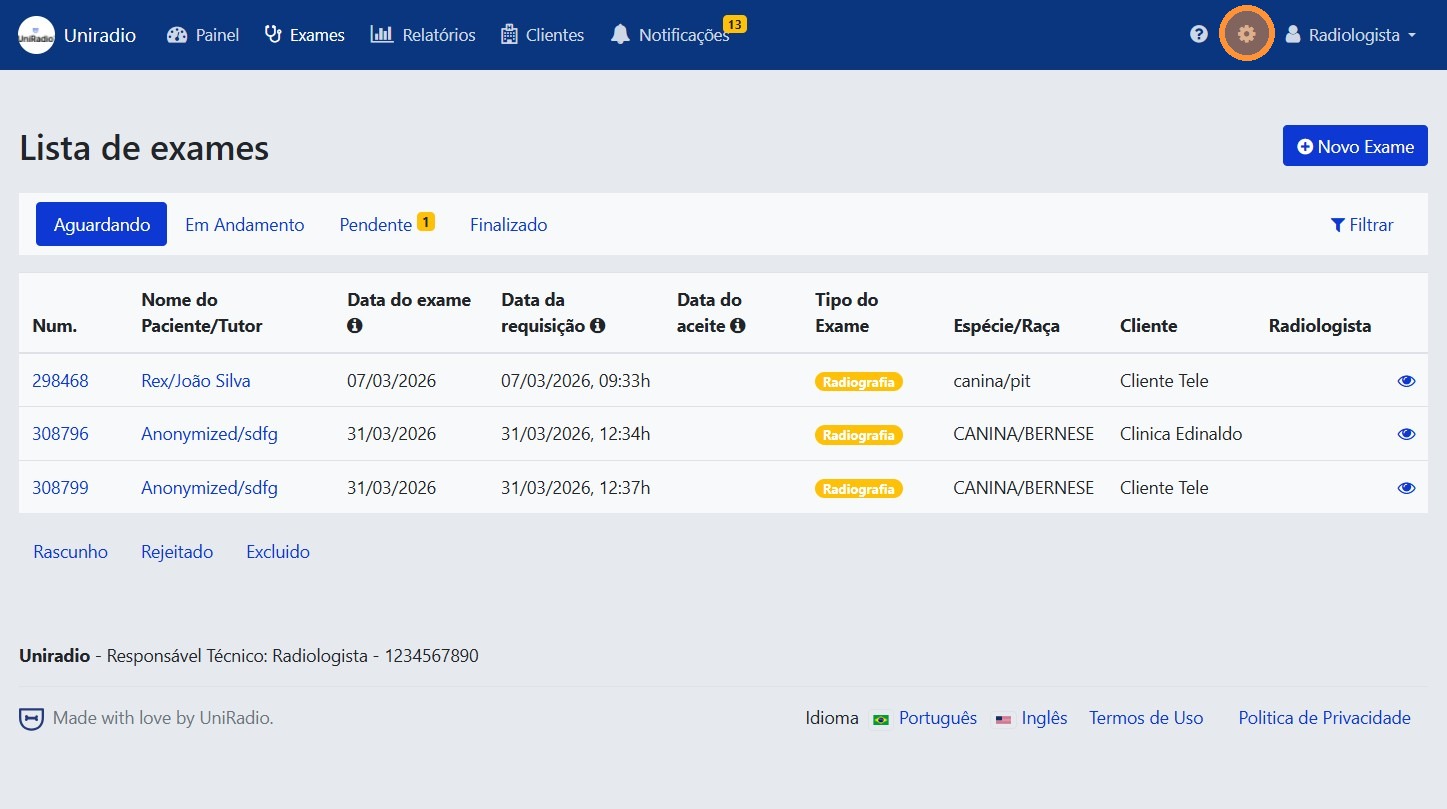
2. Access the settings menu
In the side menu, click the settings icon to open the account options.
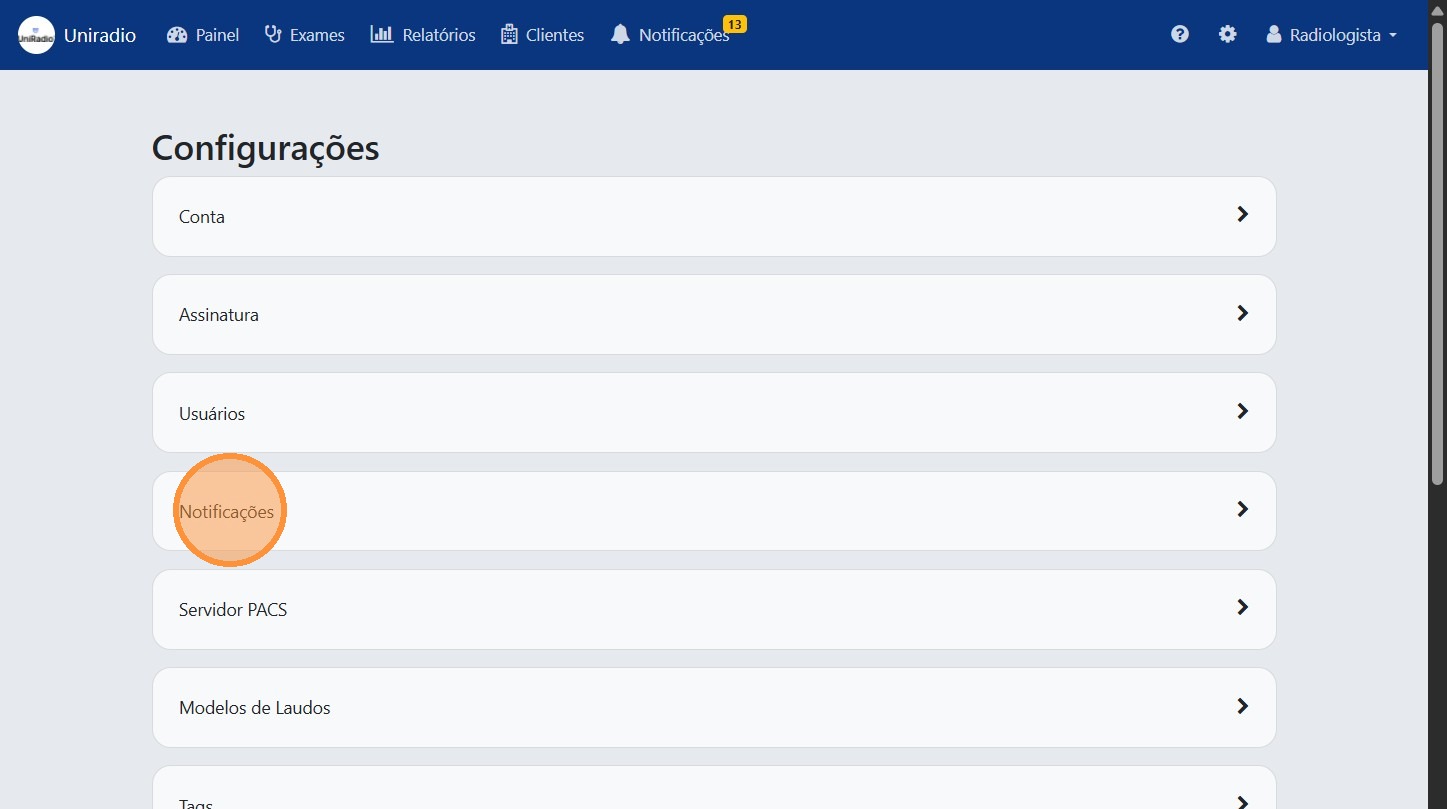
3. Click on "Notifications"
In the settings menu, click on "Notifications" to access the account alert preferences.
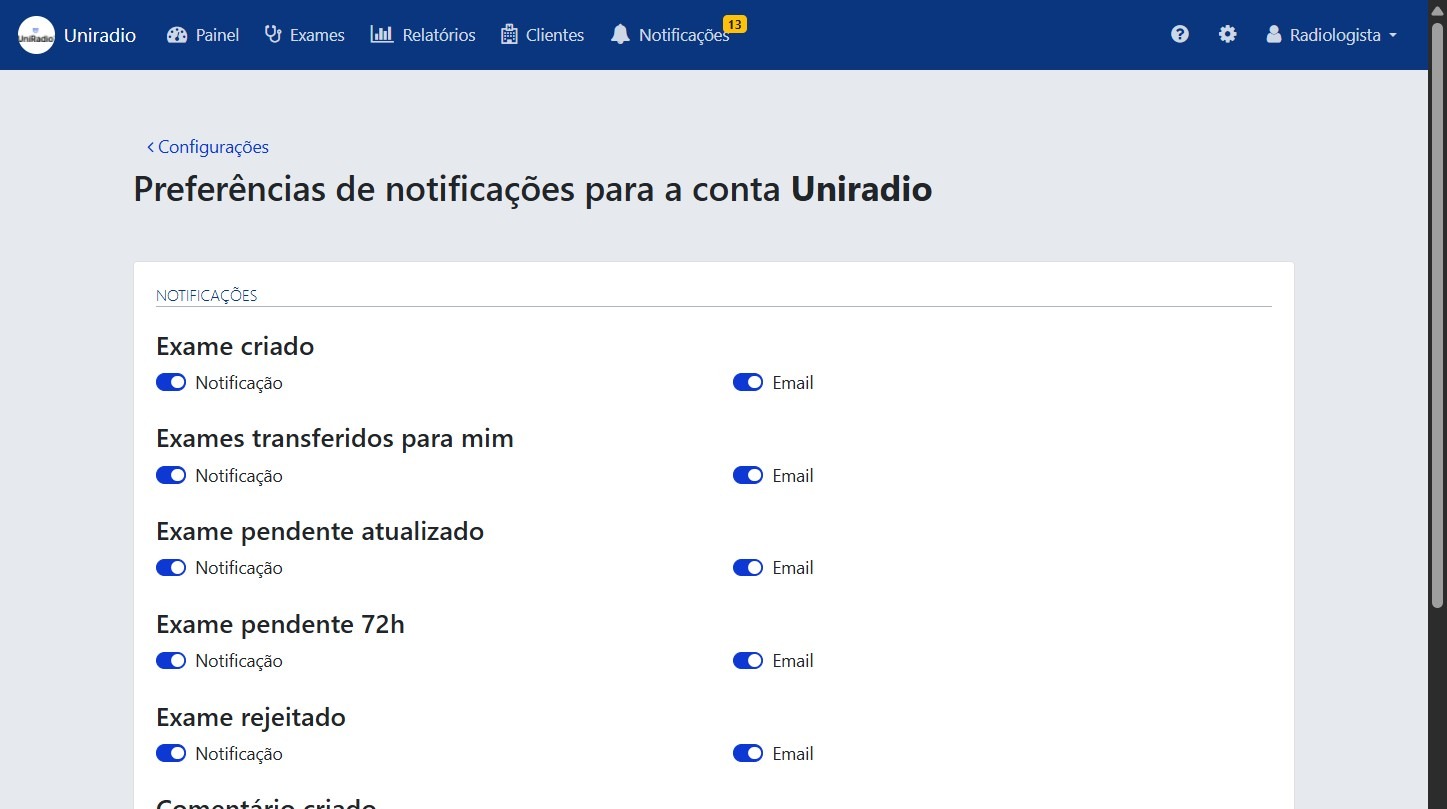
4. Select your notification preferences
Check or uncheck the options as desired, such as alerts for new exams and received transfers.
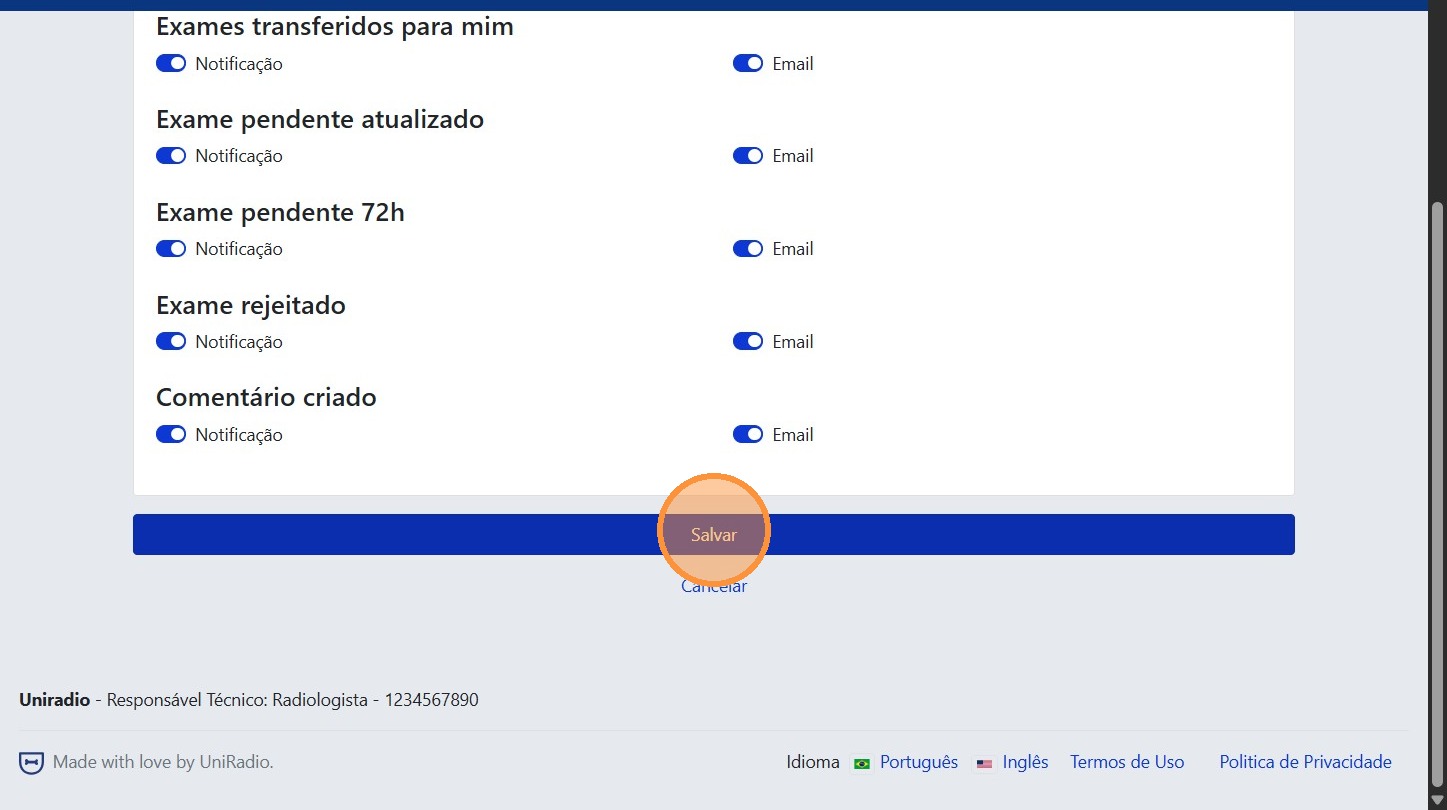
5. Click "Save"
After adjusting the settings, click "Save" to confirm the changes.
Field descriptions
To understand the meaning of each notification option, see Notification preferences (Radiologist).
Need Help?
Check our FAQ or contact support if you encounter any issues configuring your account notifications.