
How to Edit a Report
Learn how to access, modify, and release a report on the UniRadio platform.
Step by Step
1. Access the UniRadio platform
Go to app.uniradio.vet.br/exams
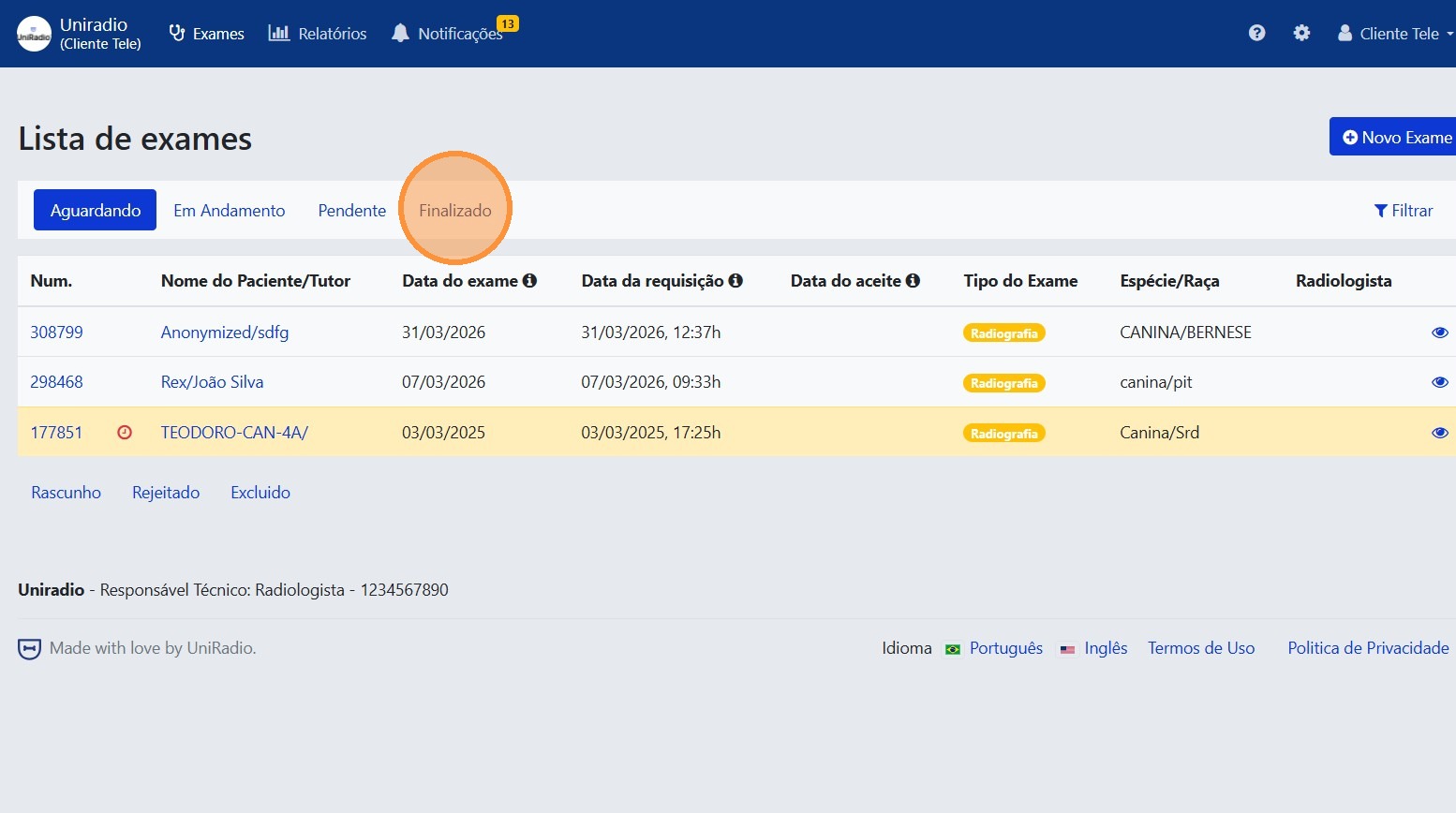
2. Select exams with "Completed" status
Click the "Completed" tab to list only the exams that already have a report available.
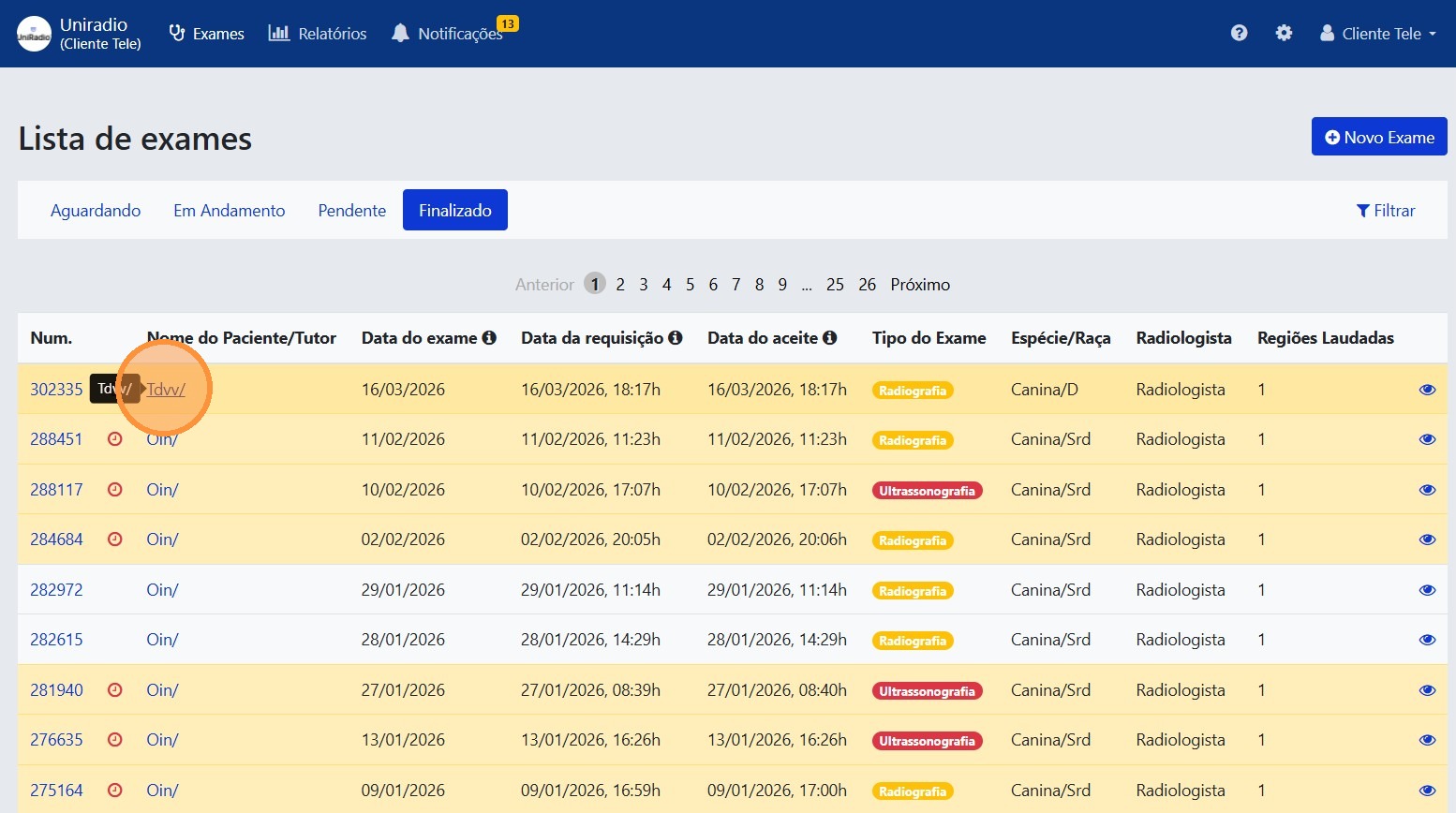
3. Select the exam
Click the exam whose report you want to edit.
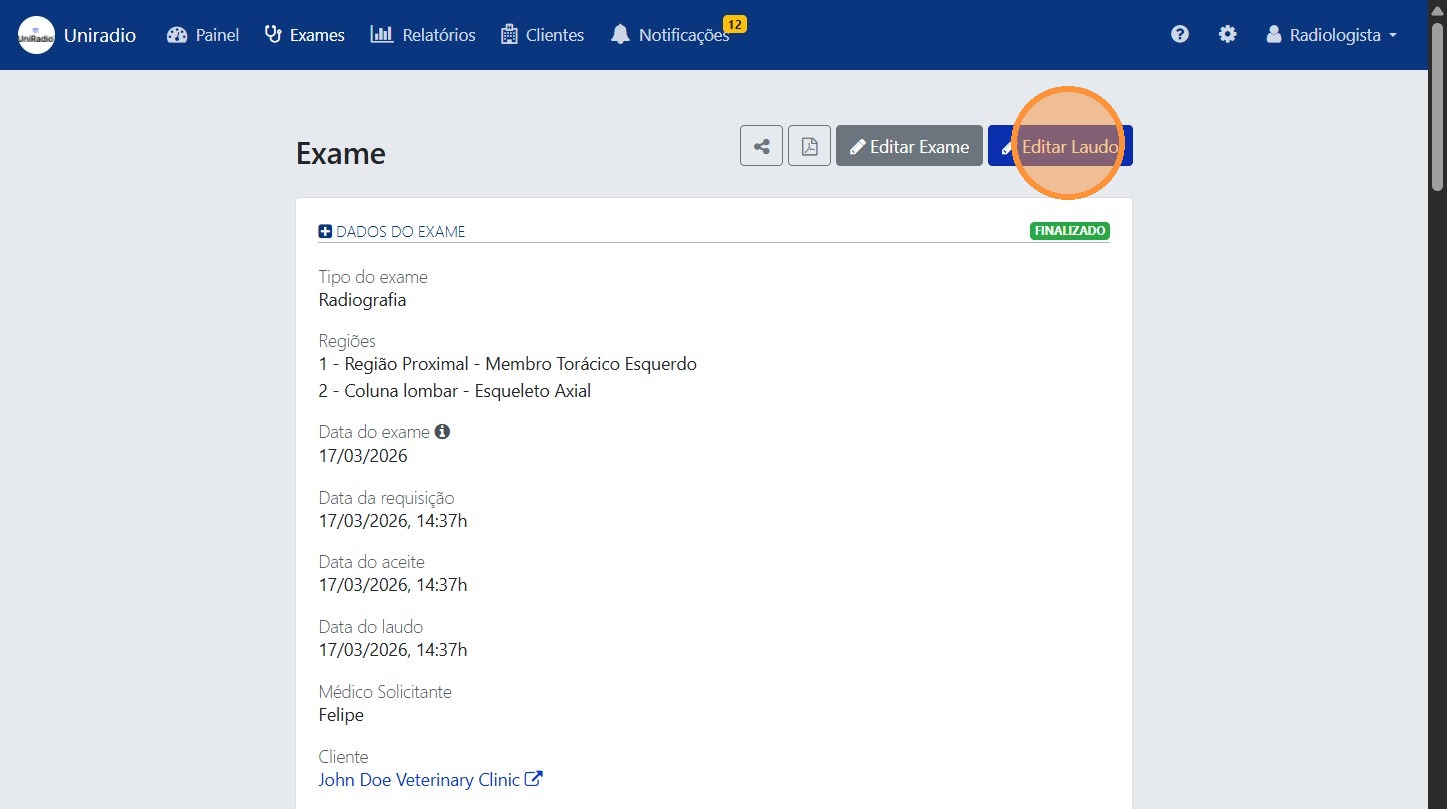
4. Click "Edit Report"
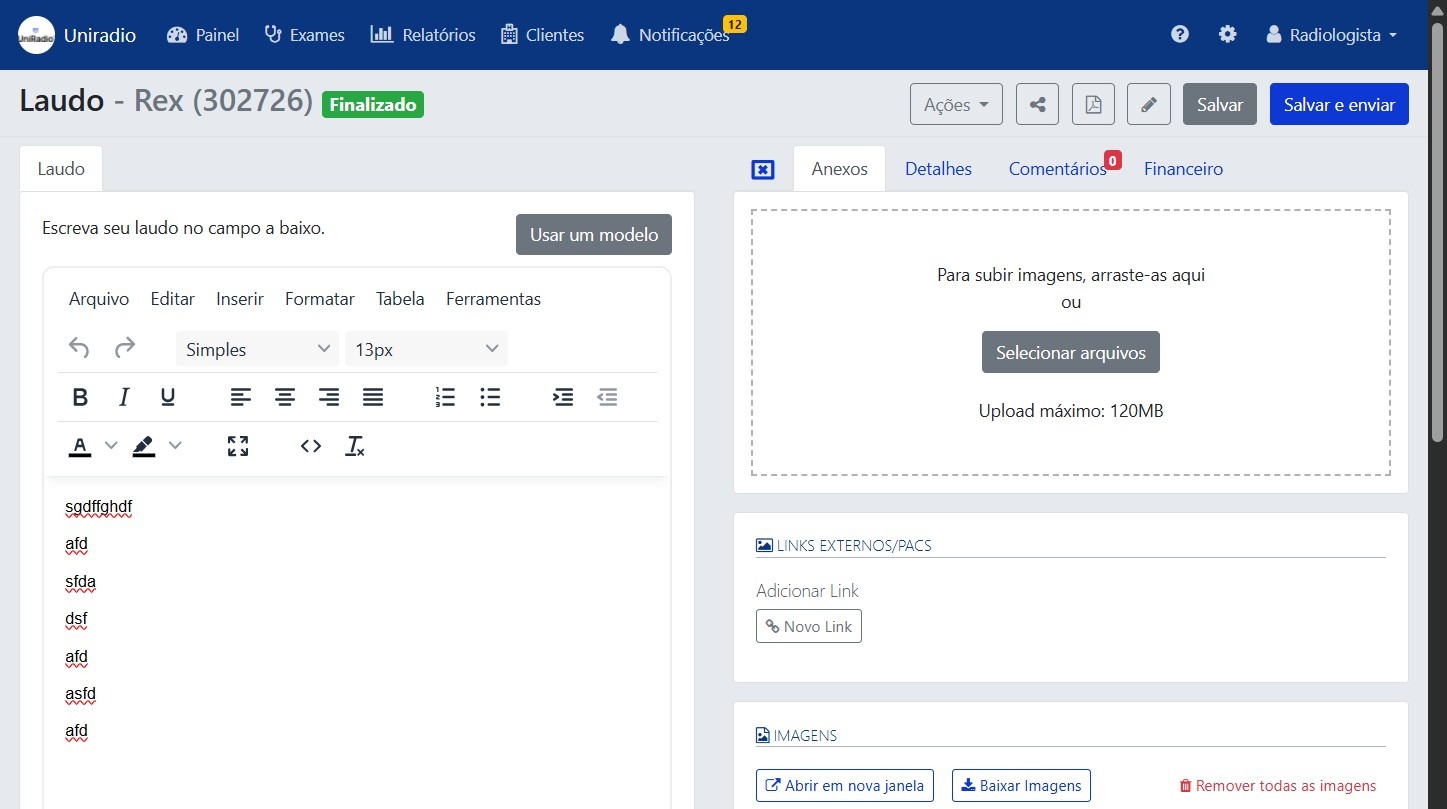
5. Edit the report information
Make the desired changes to the report content.
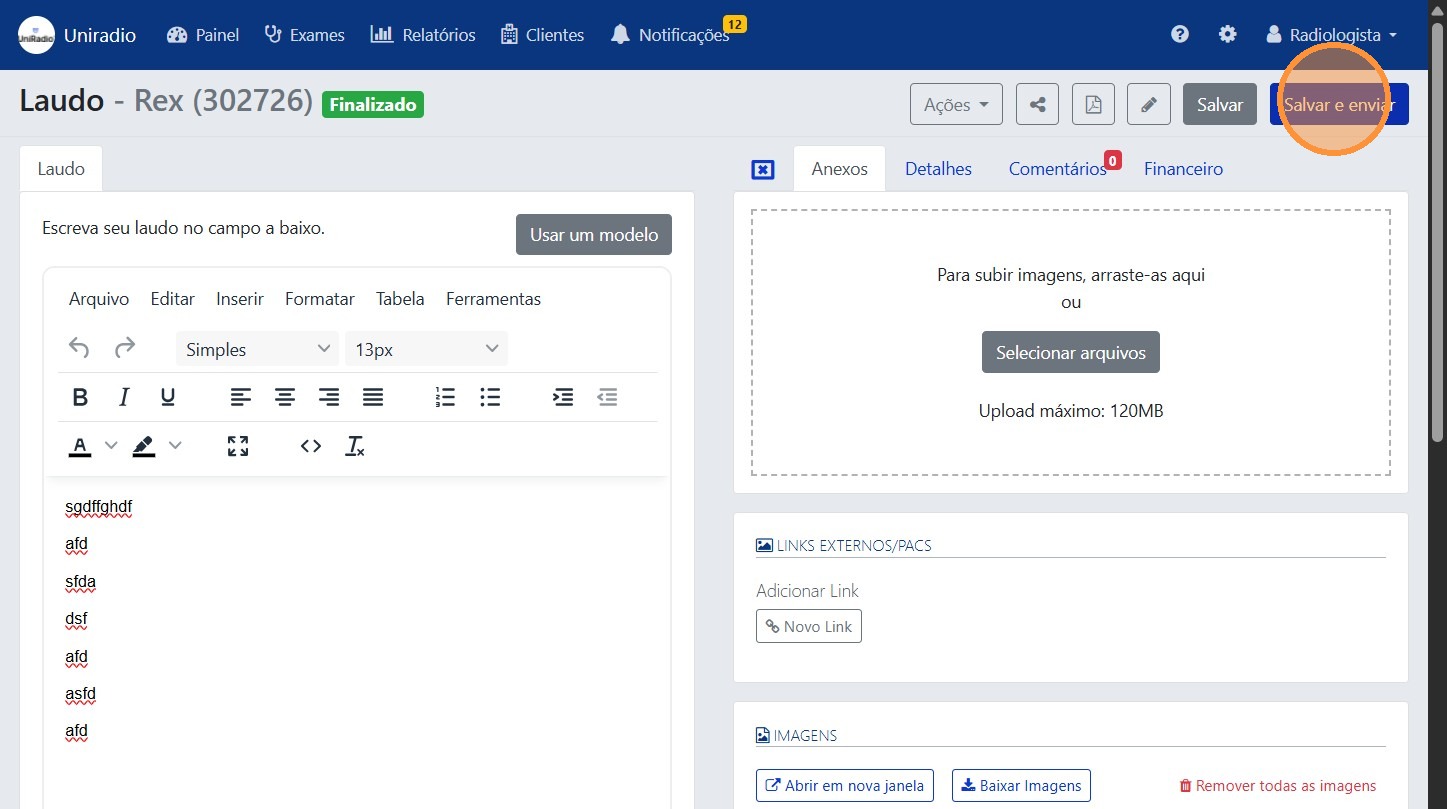
6. Click "Save and send"
After completing the edits, click "Save and send" to prepare the report for release.
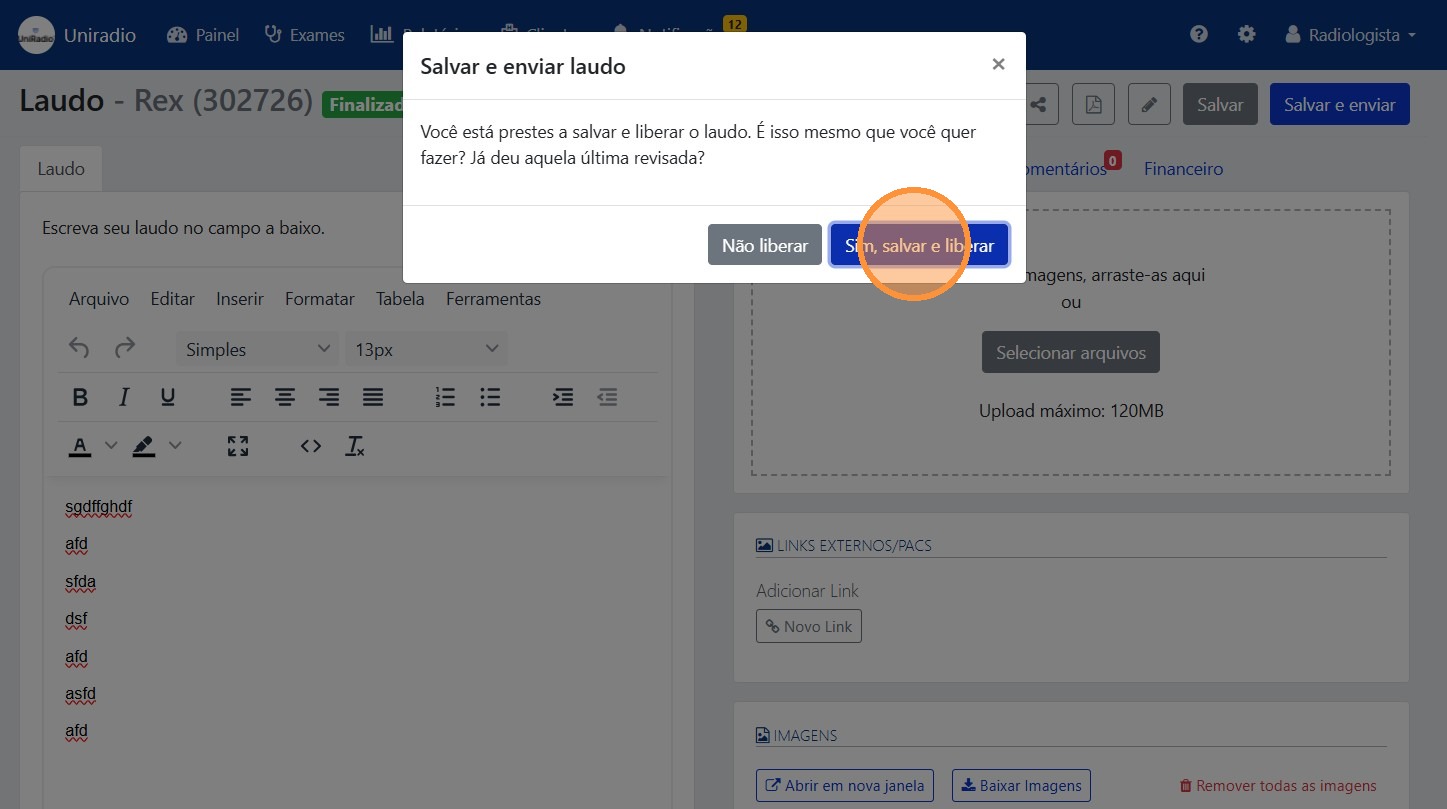
7. Click "Yes, save and release" to confirm
Field Descriptions
To understand the meaning of each field in the report editor, see Report Fields.
Need Help?
Check our FAQ or contact support if you have trouble.