
How to Configure Financial Management
Learn how to access and customize the financial management settings on the UniRadio platform.
Step by Step
1. Access the UniRadio platform
Sign in to your account and go to app.uniradio.vet.br/exams
2. Open the settings menu
In the side menu, click the settings icon to open the account options.
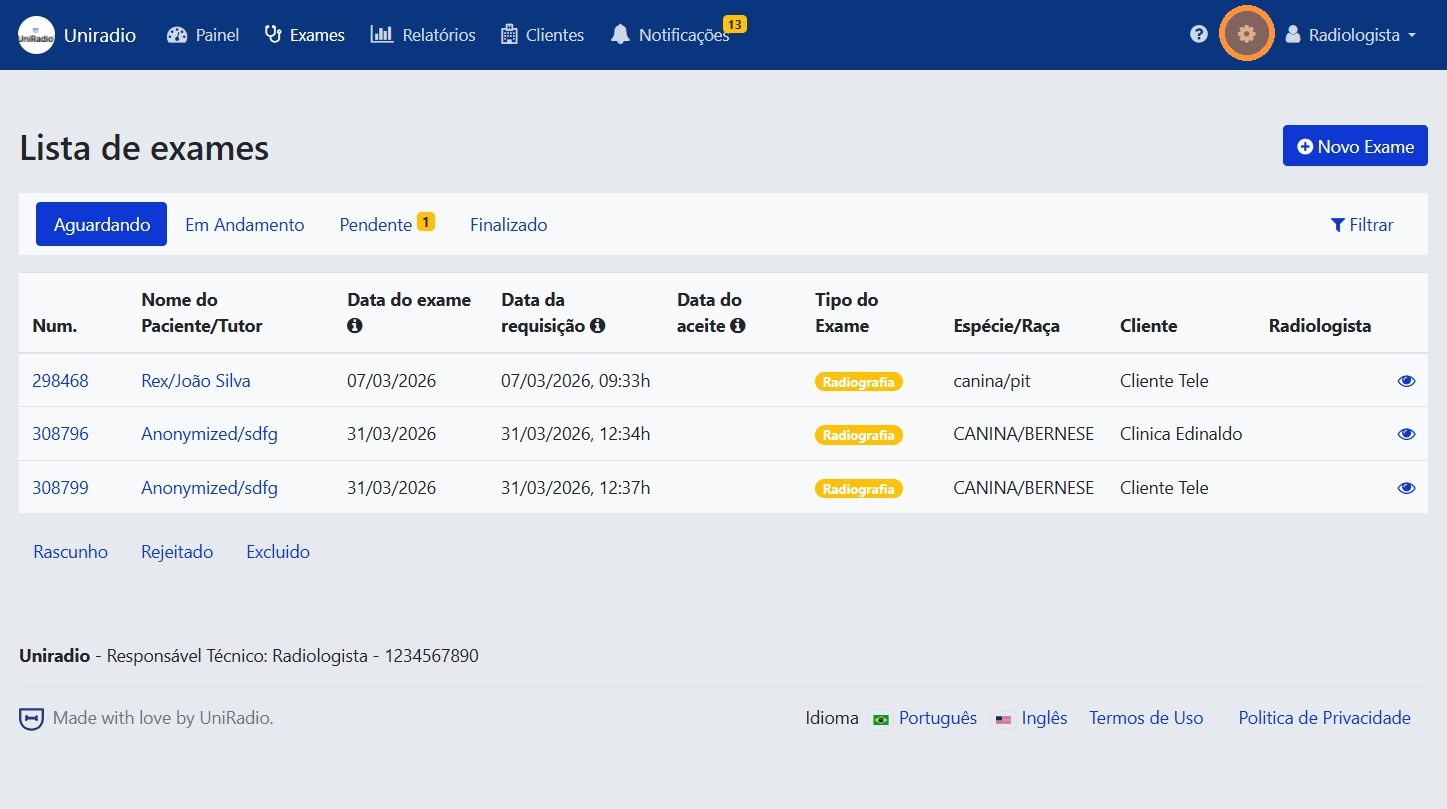
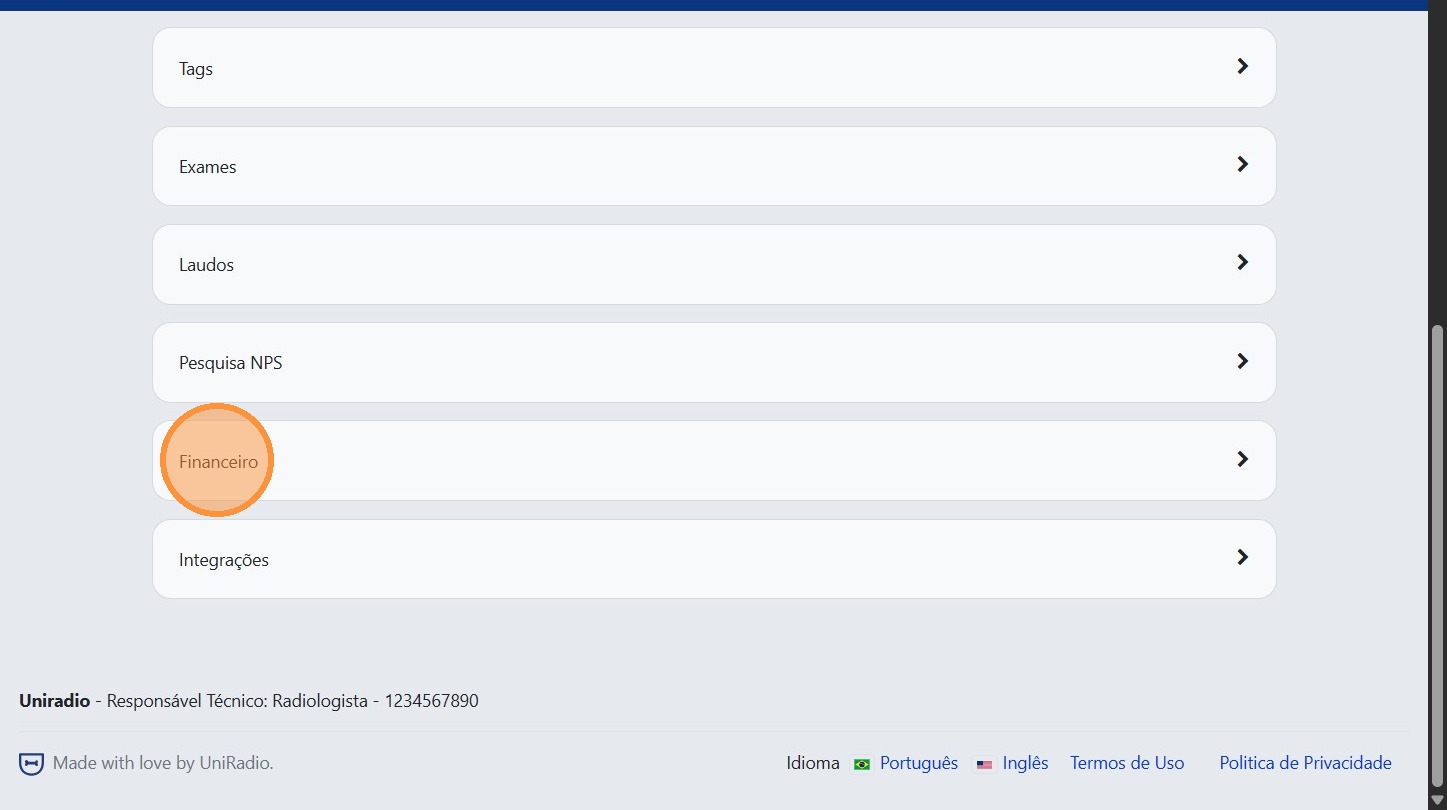
3. Click "Financial"
In the settings menu, click "Financial" to access the financial management settings.
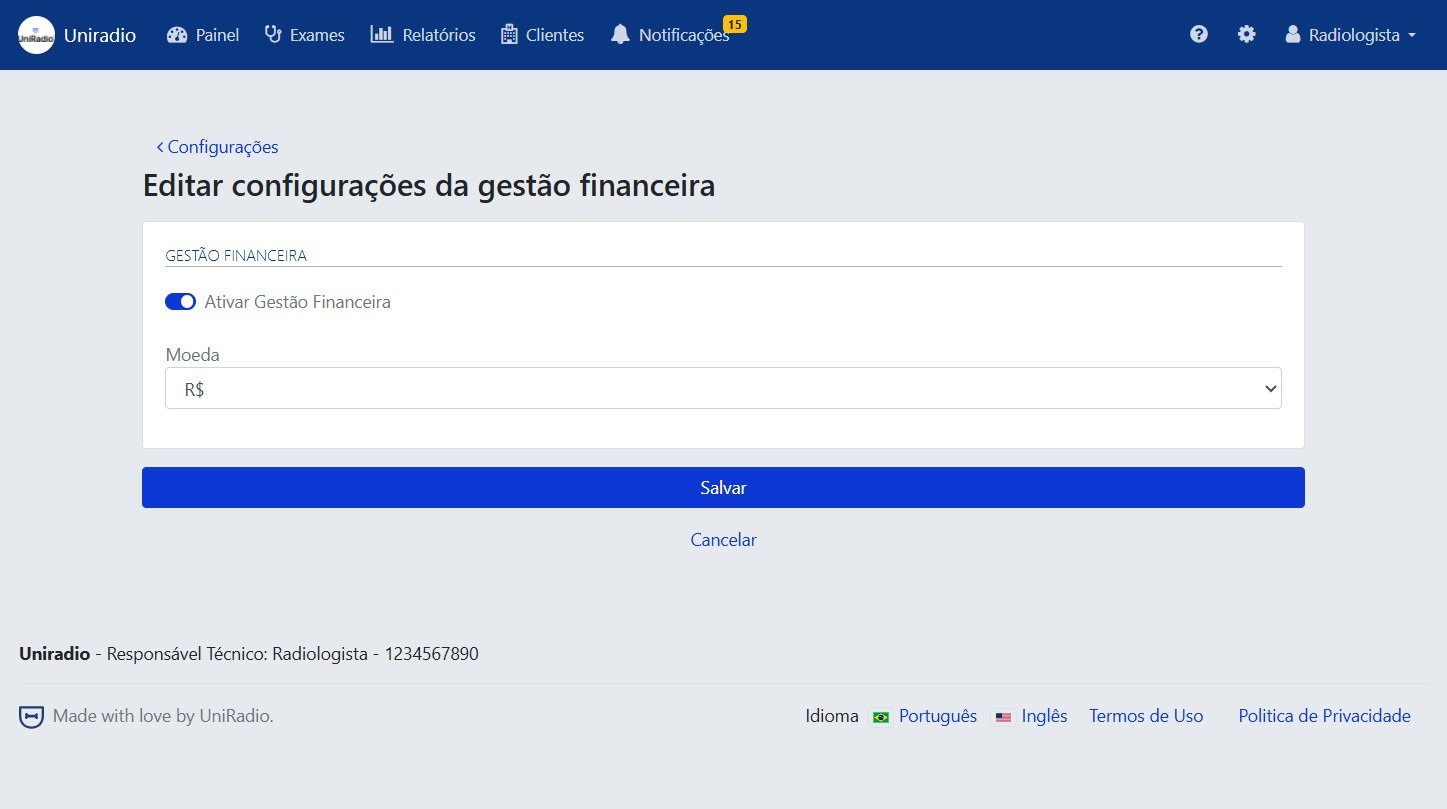
4. Edit the desired information
Adjust the settings according to your account's needs.
By enabling Financial Management you will be able to:
- Set the value per report — Register the price charged for each type of reported exam.
- Configure payment methods — Select the payment methods accepted by your clients.
- Generate financial reports — Track billing and charge history directly on the platform.
- Select the currency — Choose between Real (BRL) or Dollar (USD) for displaying values.
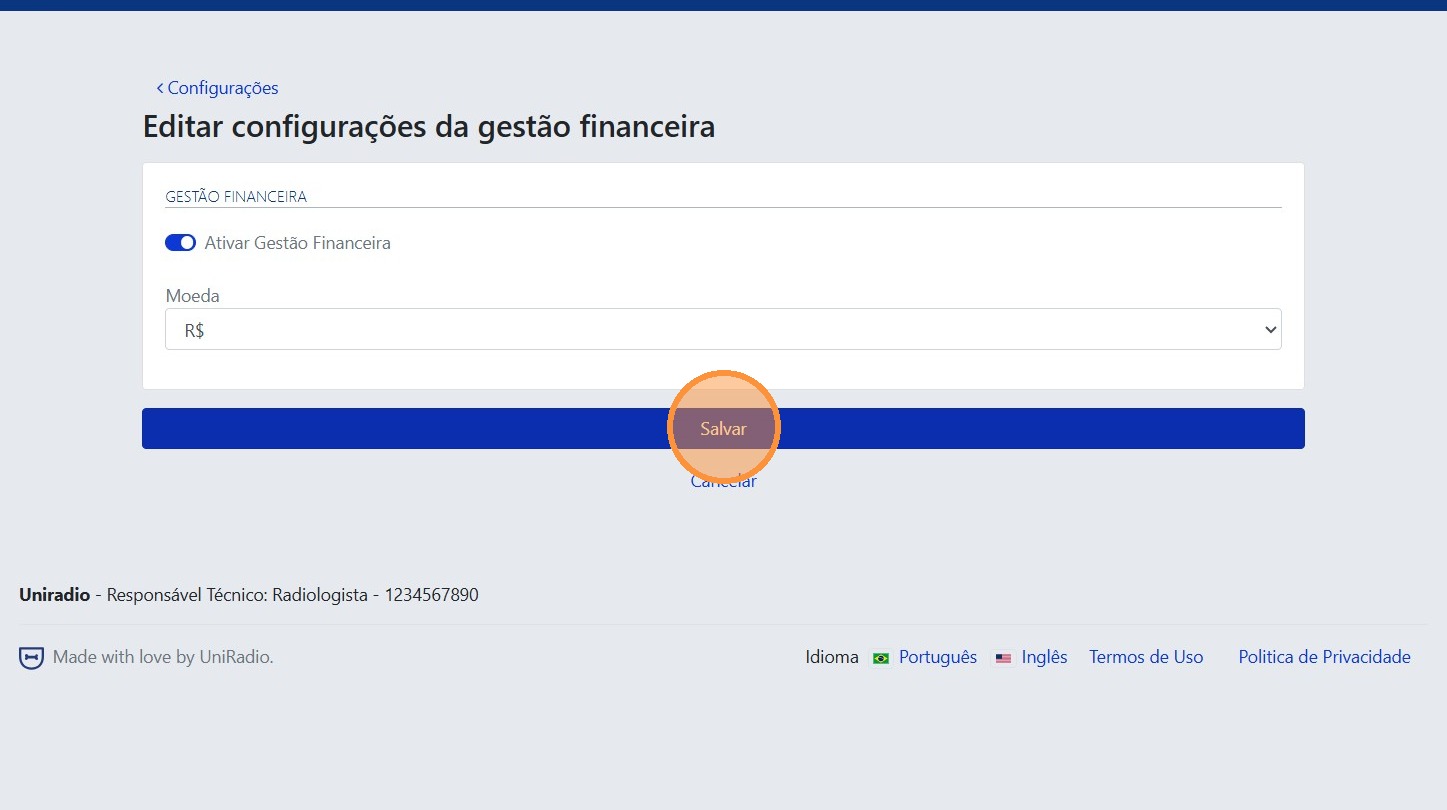
5. Click "Save"
After making the desired changes, click "Save" to confirm the settings.
Need Help?
Check our FAQ or contact support if you have trouble configuring financial management.