
How to Configure the NPS Survey
Learn how to access and customize the NPS survey settings on the UniRadio platform, enabling the collection of client ratings.
Step by Step
1. Access the UniRadio platform
Sign in to your account and go to app.uniradio.vet.br/exams
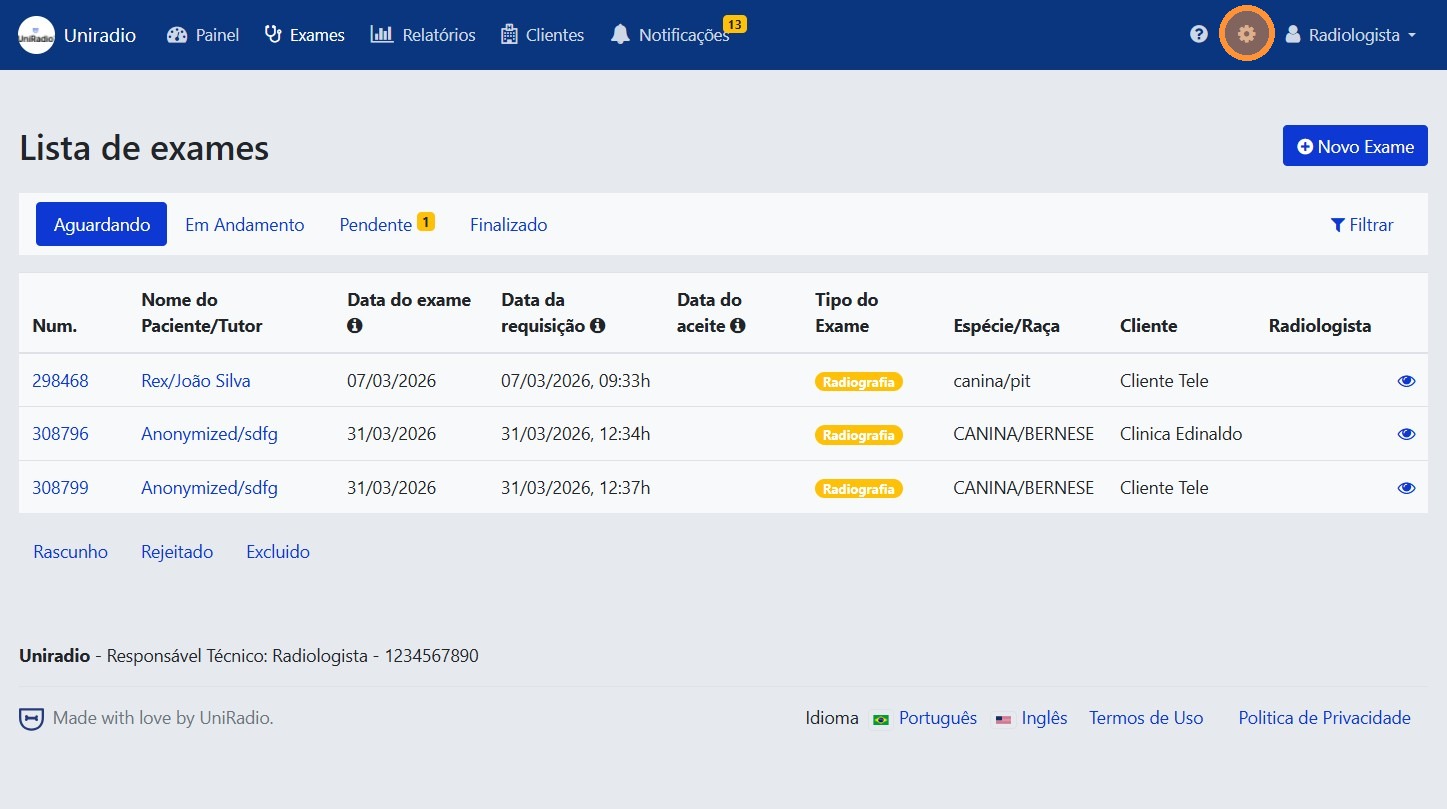
2. Open the settings menu
In the side menu, click the settings icon to open the account options.
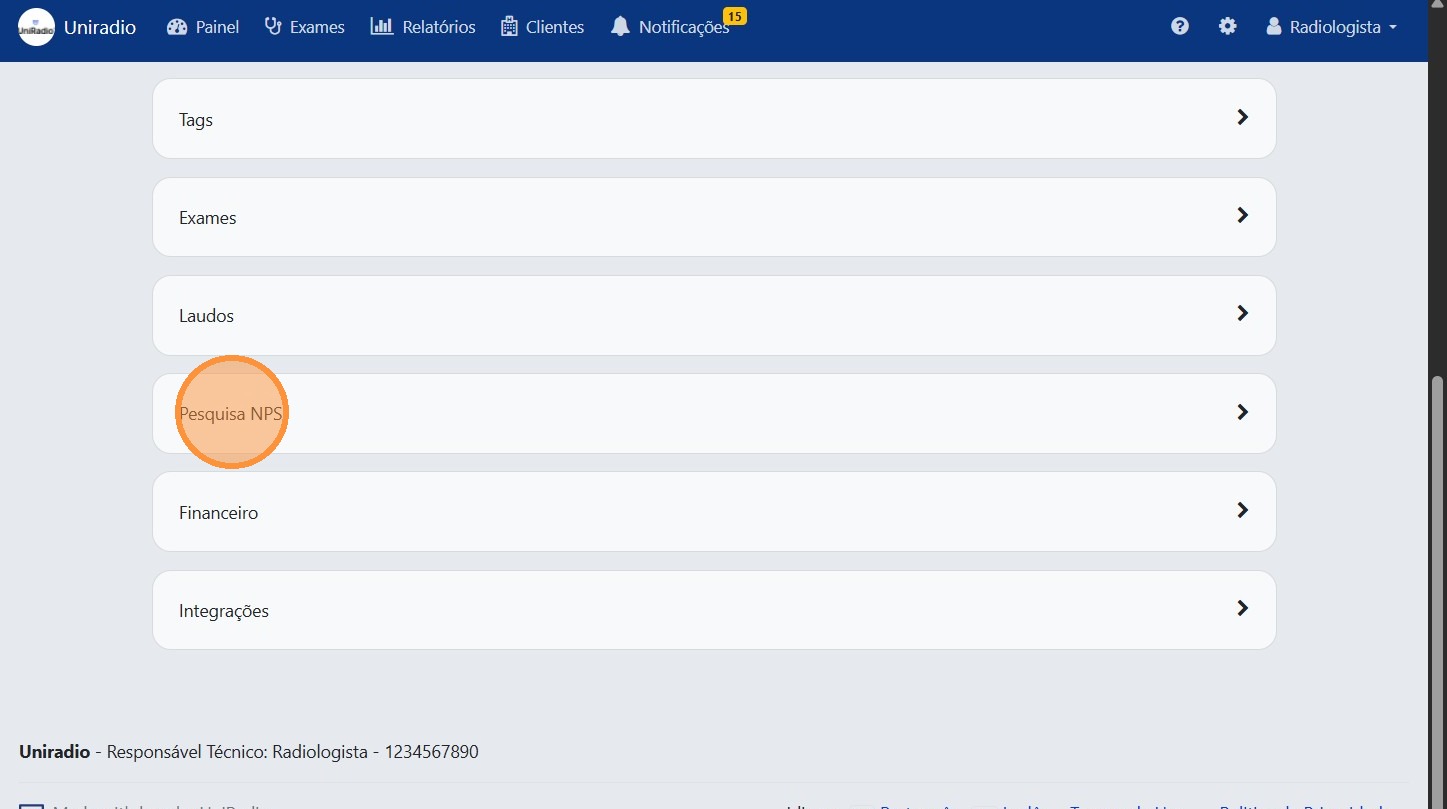
3. Click "NPS Survey"
In the settings menu, click "NPS Survey" to access the rating settings.
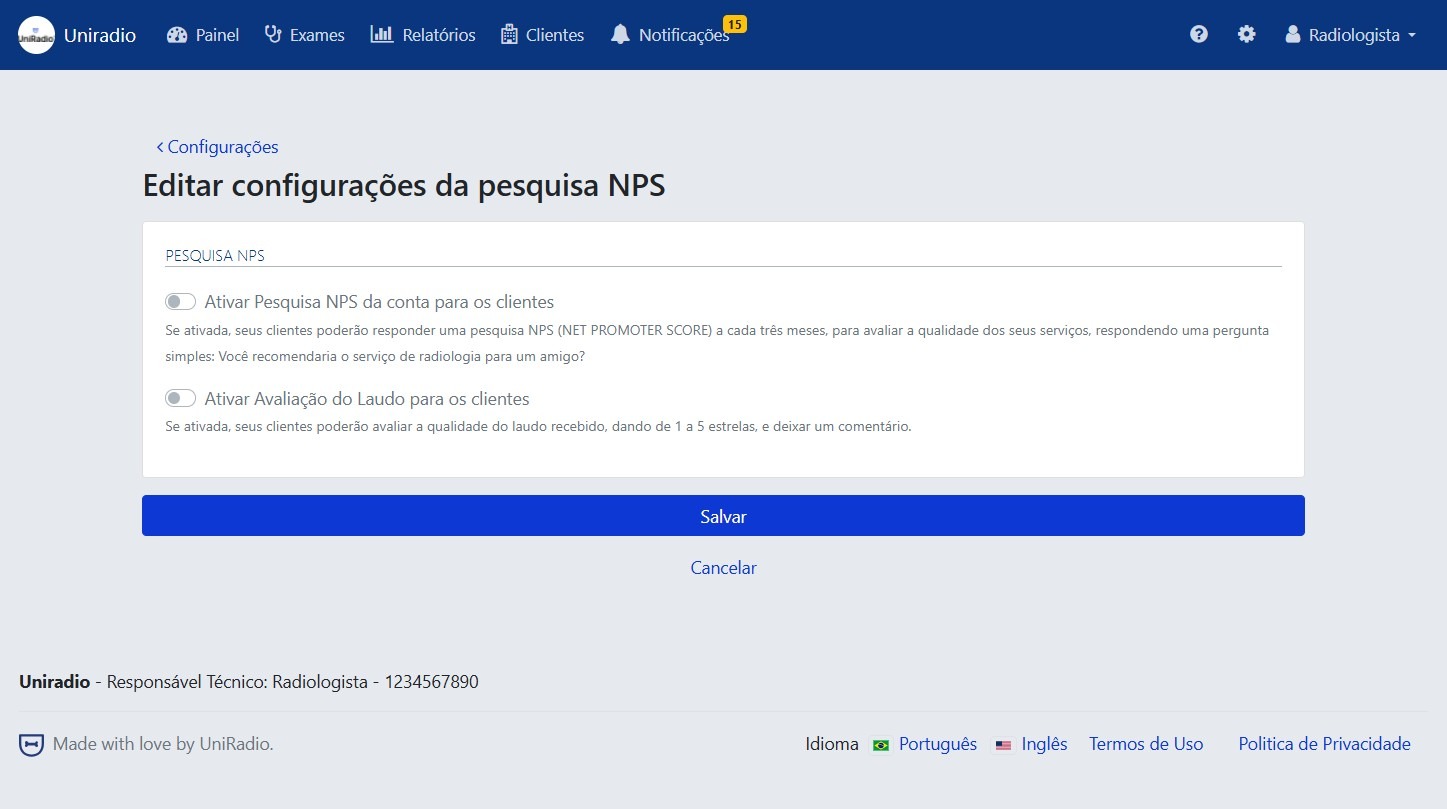
4. Edit the desired information
Adjust the settings according to your account's needs.
Available options
- Enable NPS Survey — Enables automatic sending of the NPS (Net Promoter Score) satisfaction survey to your clients every three months.
- Enable Report Rating — Allows clients to individually rate the reports issued by the radiologist.
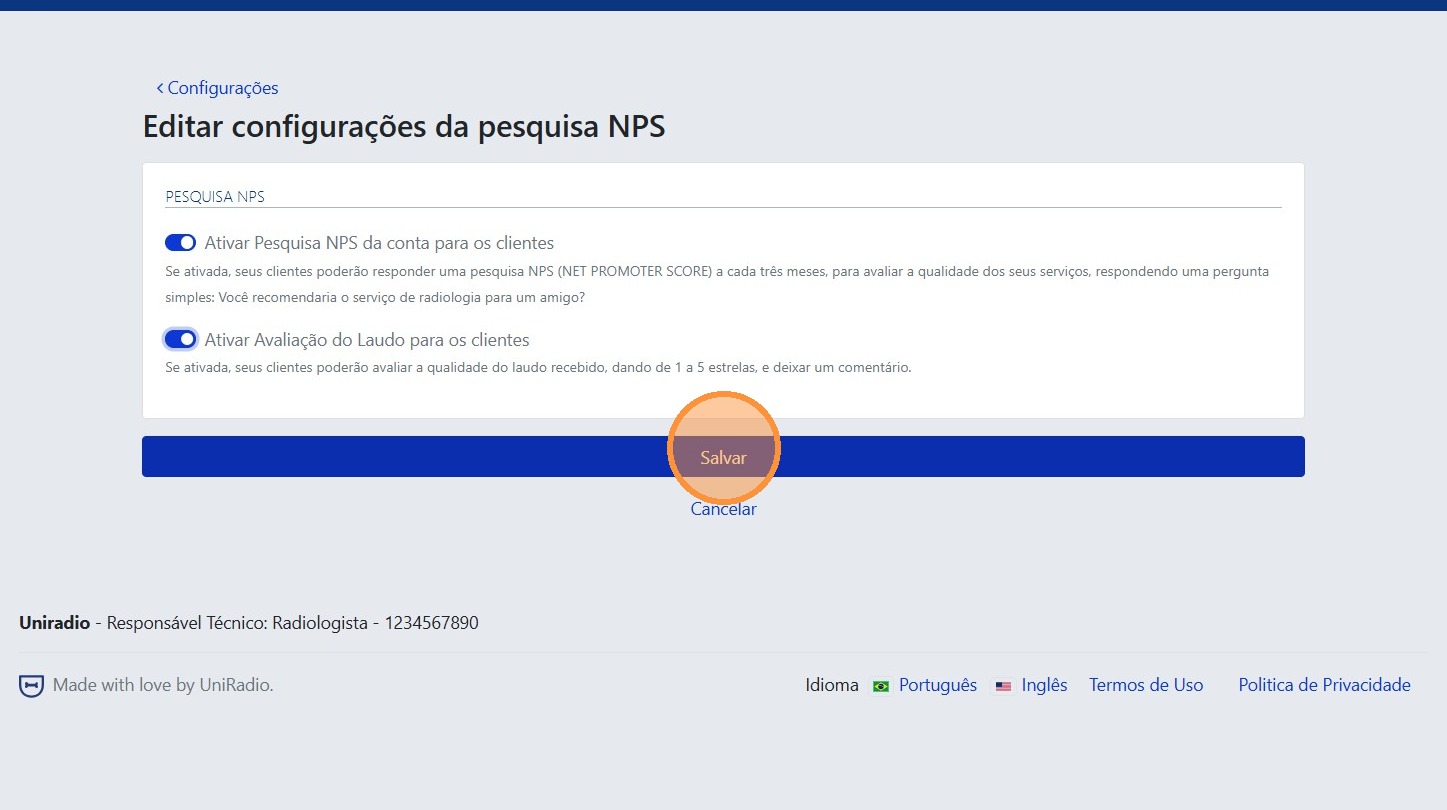
5. Click "Save"
After making the desired changes, click "Save" to confirm the settings.
Need Help?
Check our FAQ or contact support if you have trouble configuring the NPS survey.